The Short-Form Video Stack for Small Businesses in 2026: Create, Repurpose, Publish
October 15, 2026
Posting short videos every week is really three jobs: making new videos, getting more out of footage you already have, and getting everything published on time. Most small teams try to do all three in one app and end up doing none of them well.
This is the stack we'd set up instead: one tool per job, what each one costs, and where each one stops. We make Cliptalk, which covers the first job. The others are the tools we point people to for the jobs Cliptalk doesn't do.
| Job | Tool | Starts at |
|---|---|---|
| Make new short videos from an idea | Cliptalk | Free credits on signup, then $19/month |
| Cut long videos into clips | Reap | Free (watermarked), then $9.99/month billed yearly |
| Get a finished ad made for you | Vaelolab | $49 CAD per 15-second ad, no subscription |
| Schedule and publish everywhere | Buffer | Free for 3 channels, then $5/month per channel |
1. Make new videos from an idea: Cliptalk
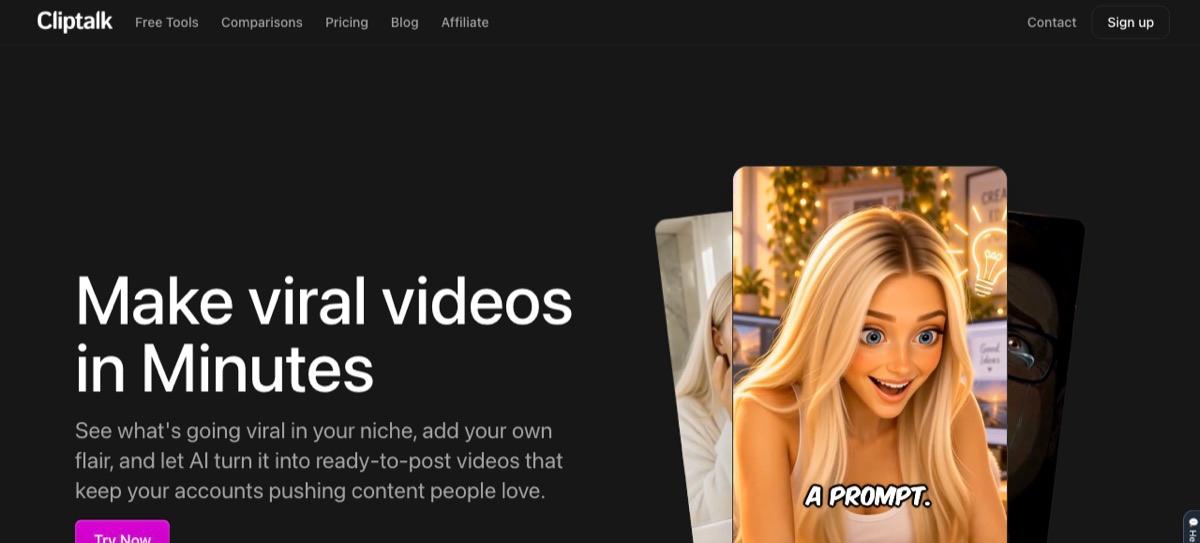
Cliptalk turns a prompt, script or product page into a finished vertical video for TikTok, Reels and YouTube Shorts: script, AI visuals, voiceover, captions and music, rendered as an MP4 you can post. Templates cover UGC-style ads, faceless stories, explainers and music videos, and you edit by asking ("cut the pauses", "swap the music") or in a timeline. It also works inside Claude and ChatGPT through its MCP server.
- Use it for: a steady supply of new videos when you don't have footage, a face on camera or an editor.
- Where it stops: it makes new videos. If you already record long videos, clipping them is a different job (see Reap below).
- Price: free credits on signup to try it, then paid plans from $19/month for 3,000 credits.
2. Turn long videos into clips: Reap
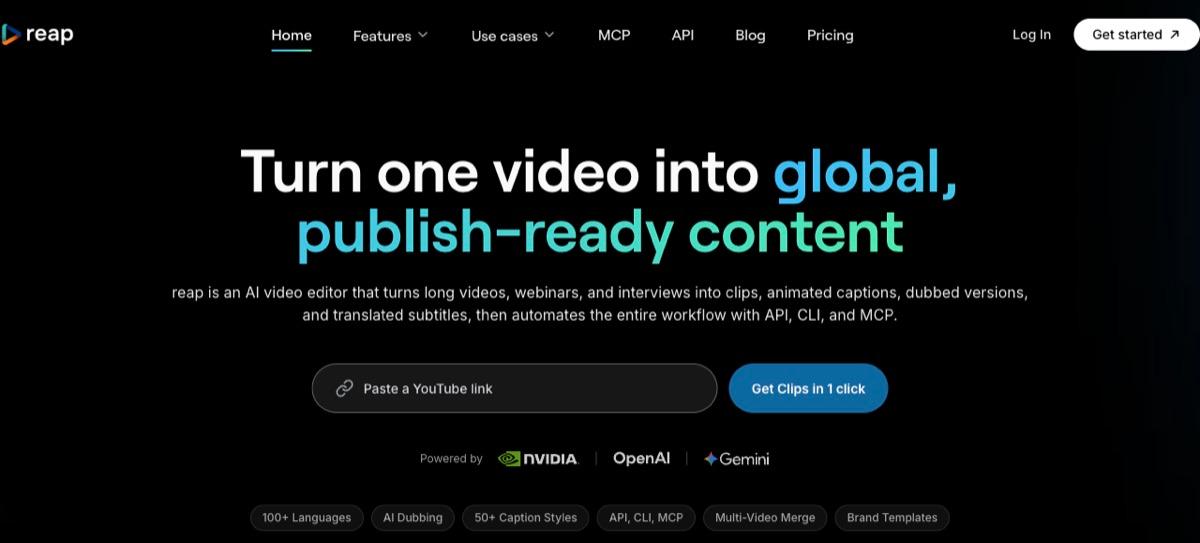
Reap is an AI video editor for footage you already have. Give it a webinar, podcast, interview or YouTube link and it finds the strongest moments, cuts them into vertical clips, keeps the speaker centred and adds animated captions. You can also tell it what to look for ("find every product mention"), and it dubs clips into 80+ languages and translates subtitles into 100+.
- Use it for: anyone already recording long-form content. One weekly podcast or webinar becomes a week of Shorts.
- Where it stops: it needs source footage. It won't make a video from an idea.
- Price: free plan with 1 hour of clipping a month (watermarked, 720p). Creator is $24/month, or $9.99/month billed yearly, for 10 hours of clipping, 1080p exports without a watermark and 2 hours of dubbing. Studio is $50/month, or $29/month billed yearly, for 20 hours, 4K and up to 3 users. Paid plans include a social scheduler too.
3. Get a finished ad made for you: Vaelolab
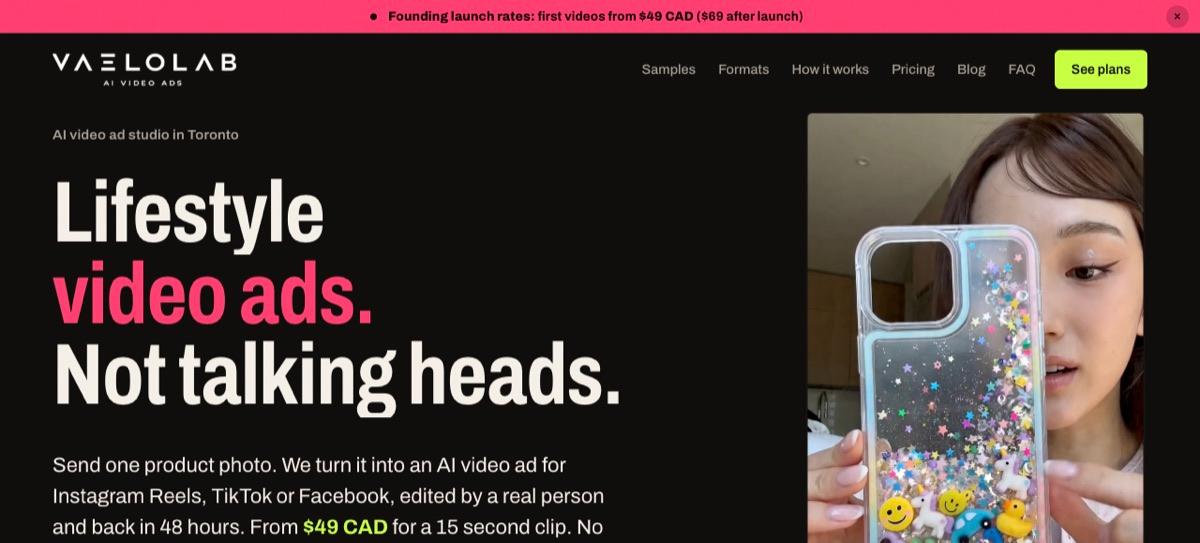
Vaelolab is an AI video ad studio in Toronto. You send one product photo, or just a product page link, and get back a lifestyle-style video ad for Instagram Reels, TikTok or Facebook, edited by a real person within 48 hours. It covers nine ad formats, from product showcases and kitchen demos to street-style try-ons, and it can make static image ads and carousels alongside the video.
- Use it for: launches and paid campaigns where you want a polished ad without making it yourself.
- Where it stops: it's a service, not an editor. You order ads rather than making them.
- Price: from $49 CAD for a 15-second clip at its current launch rate ($69 CAD after launch), with no subscription.
4. Schedule and publish: Buffer
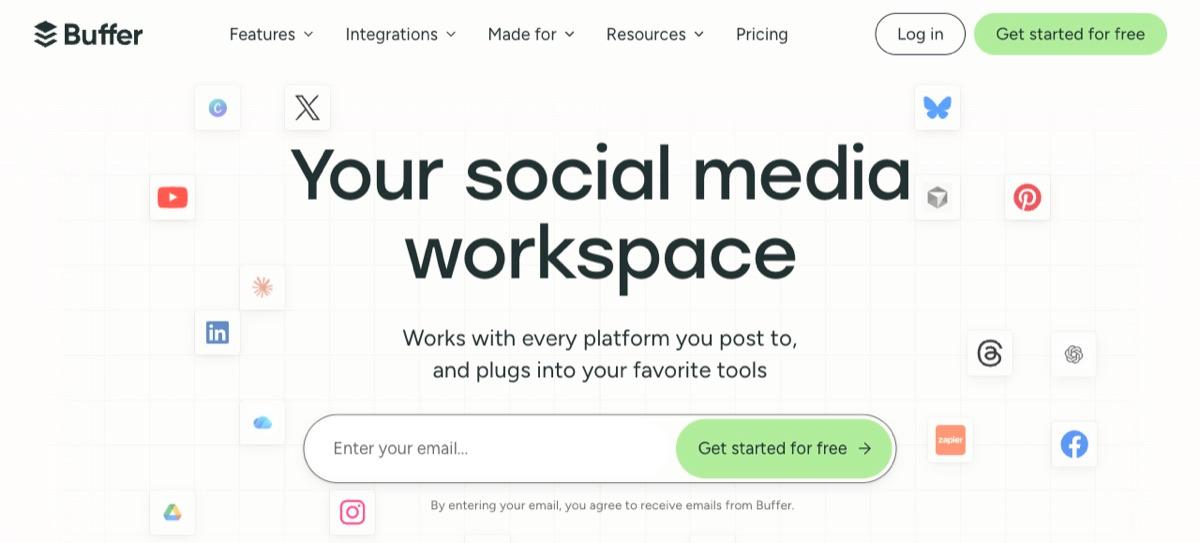
Buffer queues posts to TikTok, Instagram, YouTube, LinkedIn, Facebook, Pinterest, Threads and more from one calendar, so a batch of videos goes out on schedule instead of whenever someone remembers.
- Use it for: posting consistently across several accounts.
- Where it stops: it publishes and reports; it doesn't make or edit videos.
- Price: free for up to 3 channels with 10 scheduled posts each. Essentials is $5/month per channel (billed yearly) with unlimited scheduling and analytics, and Team is $10/month per channel with unlimited team members and approvals. If most of your videos come from long recordings, Reap's built-in scheduler may be enough on its own.
How the stack fits into a week
- Record or collect one long video (a webinar, podcast or customer call) and let Reap cut it into clips.
- Make three to five new videos in Cliptalk for the ideas you don't have footage for: tips, product demos, stories.
- Order an ad from Vaelolab when you have a launch or a campaign that needs something polished.
- Queue everything in Buffer so it goes out through the week.
For a small team posting to three channels, that's about $44 a month: Cliptalk Basic at $19, Reap Creator at $9.99 (billed yearly) and Buffer Essentials at $15, plus Vaelolab ads when you need them.
Prices are from each tool's own site in October 2026 and change often, so check before you buy.