How to Edit TikTok Videos with Text
October 19, 2026
Text on a TikTok does three jobs: a hook at the top, captions for people watching on mute, and a line that pops up at the right moment. Here is how to add and edit all three, in the TikTok app and in your browser.
Quick answer: how to edit TikTok videos with text in the app
- Tap +, record or upload your video (tap Next after an upload), then tap Edit on the side panel.
- Tap Text at the bottom, type your text and tap ✓.
- Drag the arrows on either end of the text bar under the video track to set when it appears and disappears.
- To change it, tap the text on the preview (or tap Edit), then post as usual.
These are the steps in TikTok's own help center as of October 2026. TikTok's editor only runs on your phone, so there are no screenshots of it here. The two Cliptalk methods below work in any browser and are shown step by step.
Change text you already added
- Before posting: tap the text on the preview to edit the words, or hold and drag its bar under the video track to move it in time. Copy duplicates a text, which is the quickest way to add a second line in the same style.
- After posting: you can't change the words on the video. TikTok's Edit post option (the ⋯ menu on your video, for 7 days after posting and once a day) changes the description, hashtags, mentions, location and cover, but not the text on the video itself. To fix on-screen text, edit your original clip and post it again.
Add text to a TikTok video in your browser, free
Cliptalk's free Add Text to Video tool does what TikTok's editor does, on any computer or phone browser: several texts, each placed where you drag it and shown exactly when you choose. No signup, no watermark.
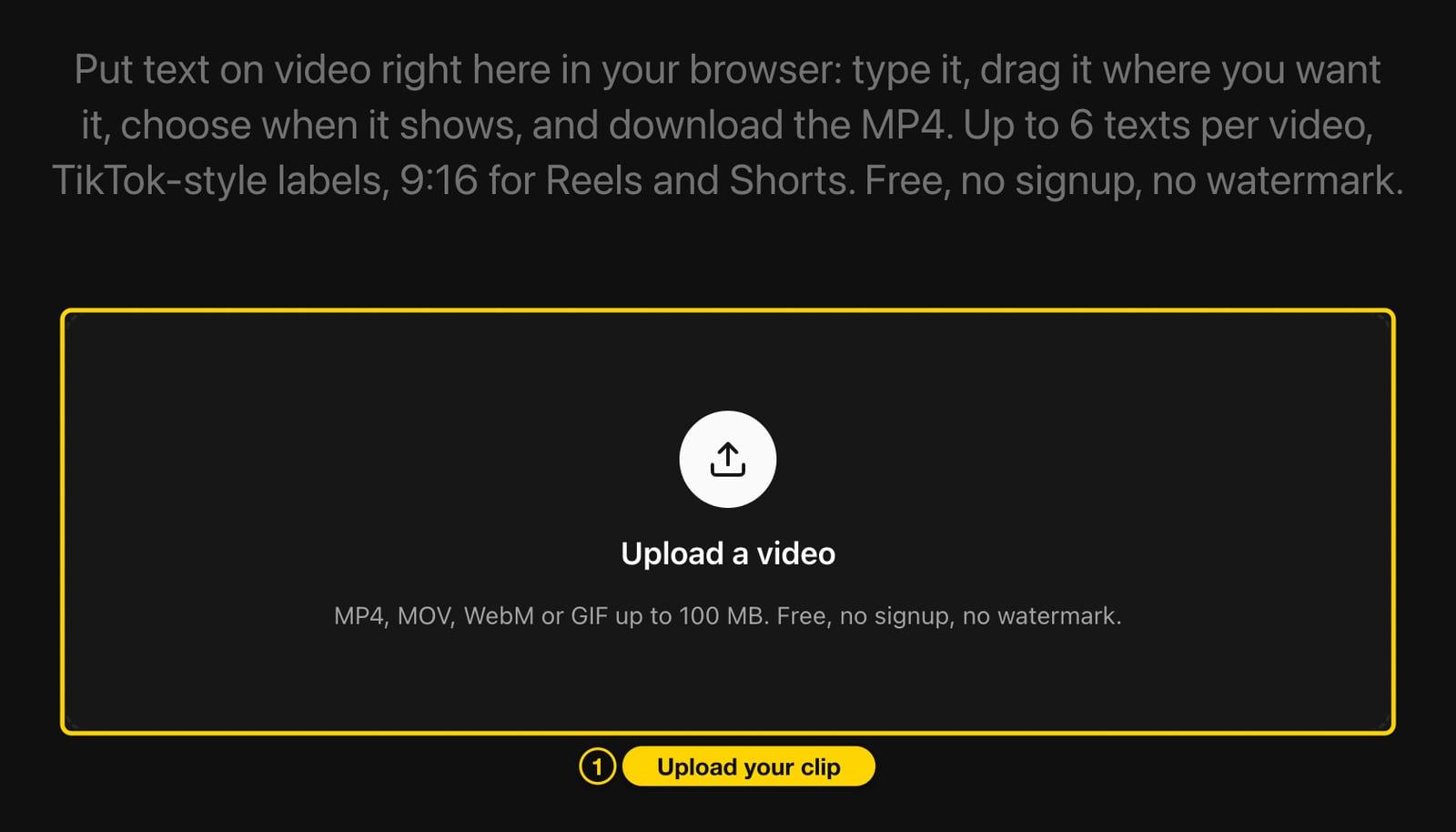
- Open Add Text to Video and click Upload a video (MP4, MOV, WebM or GIF up to 100 MB).
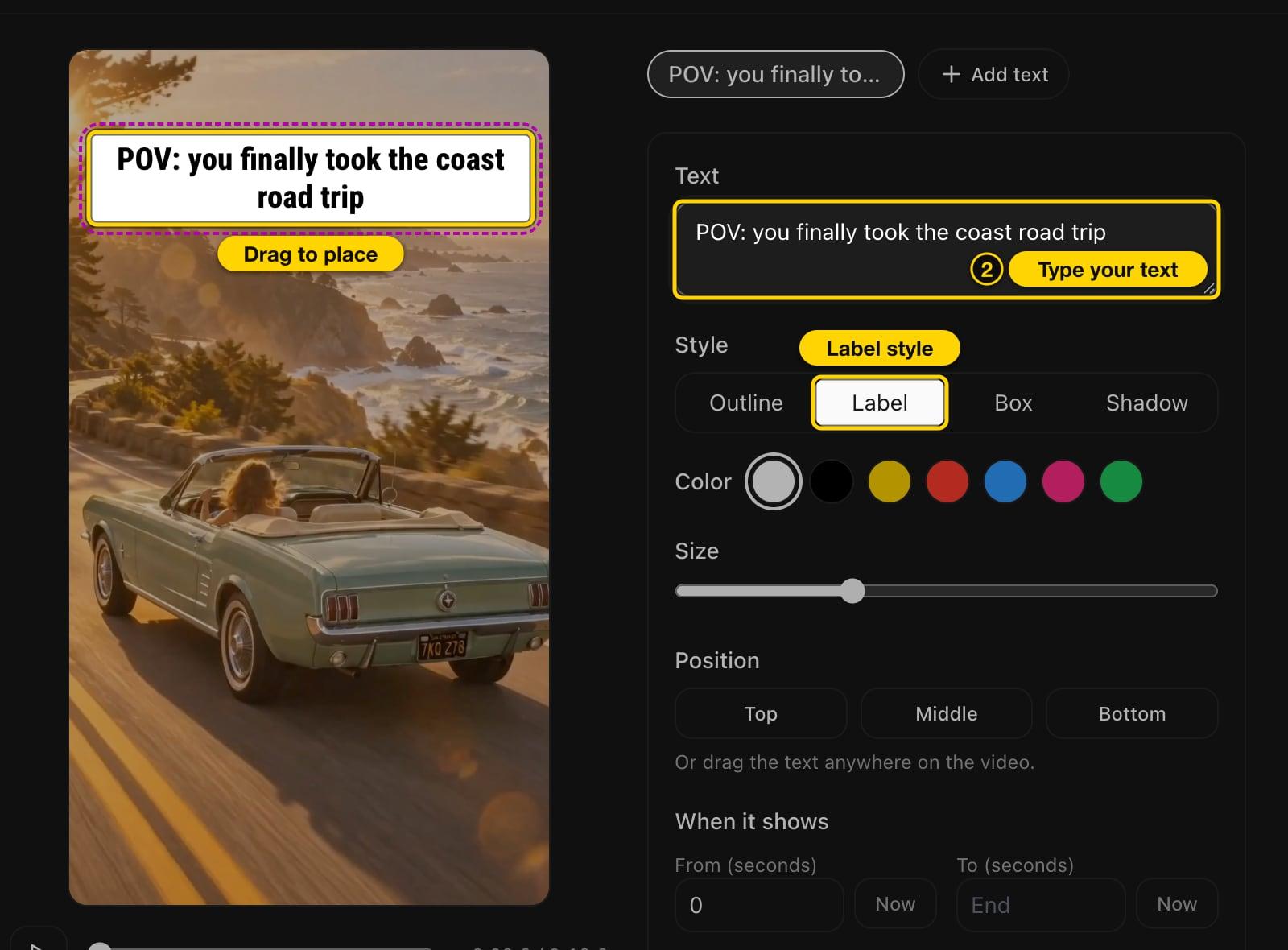
- Type your text and pick a style. Label is the rounded look of TikTok's own text. Drag the text on the preview to where you want it, or use Top, Middle or Bottom.
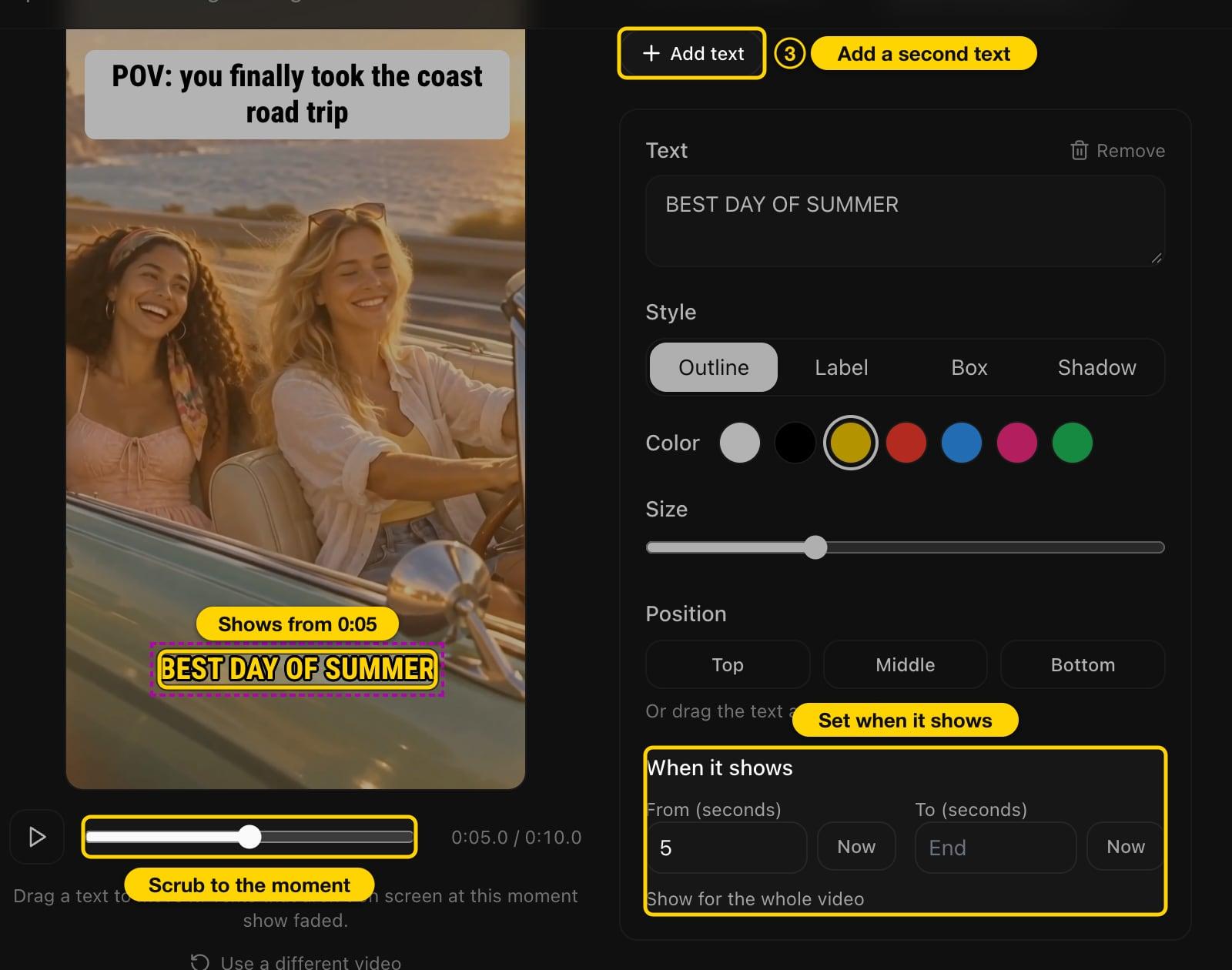
- For a line that pops up later, click Add text, style it, then scrub the preview to the moment it should appear and click Now next to From. Do the same next to To to make it disappear, or leave To empty to keep it until the end.
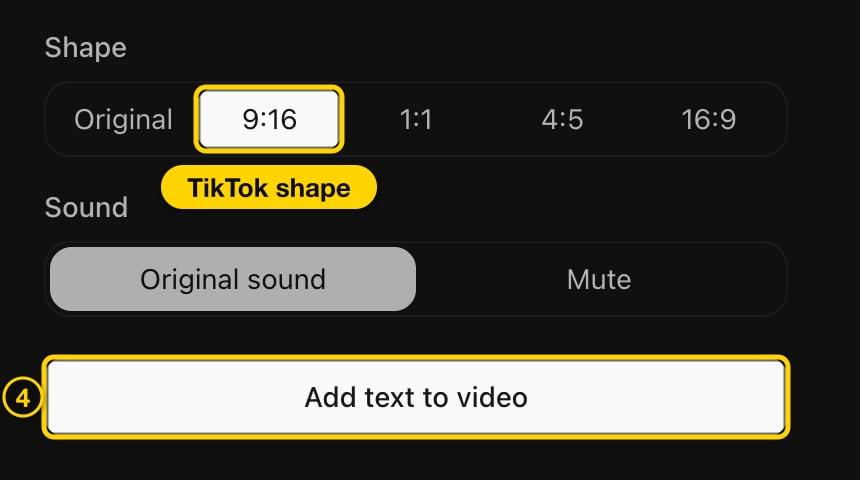
- Pick the 9:16 shape for TikTok and click Add text to video.
- Watch the result, then click Download MP4 and upload the file to TikTok.
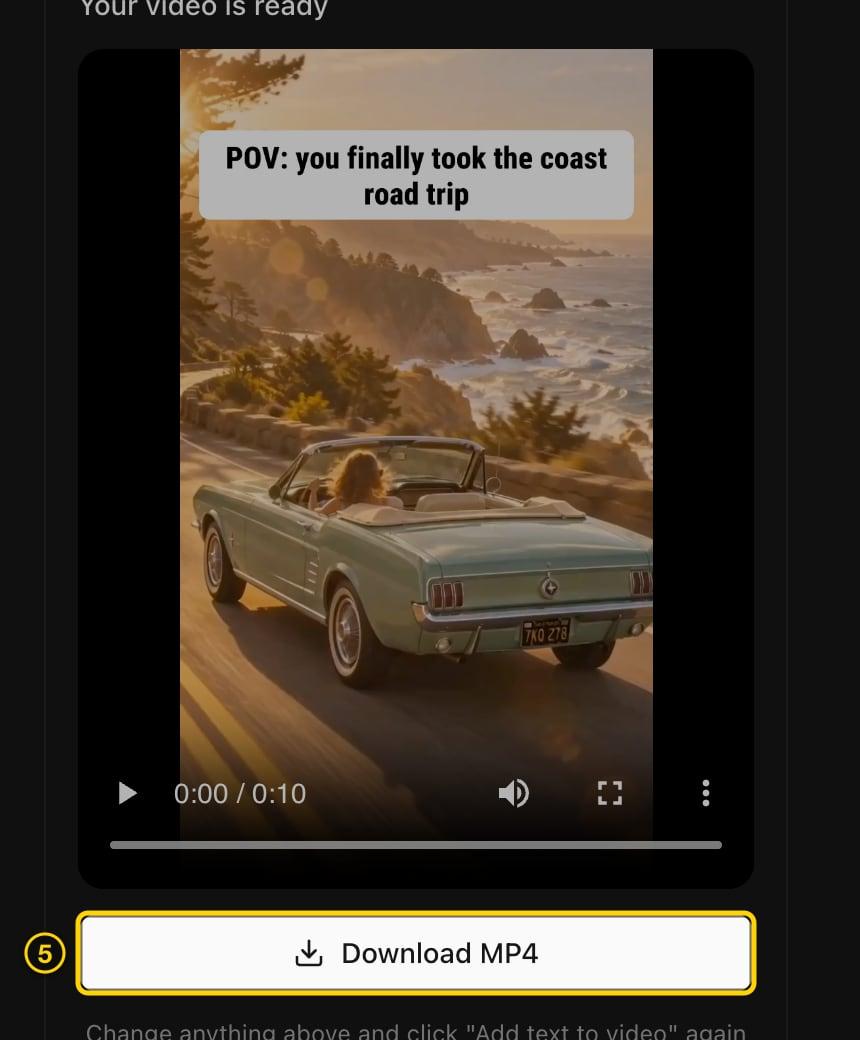
It's free without an account for videos up to 60 seconds (2 minutes with a free account), keeps the original sound, and adds no watermark.
Add word-by-word captions with Cliptalk
Best for talking videos: captions that follow what you say, one word at a time, which you don't have to type at all. This uses Cliptalk's Video Agent, where you can also add timed text.
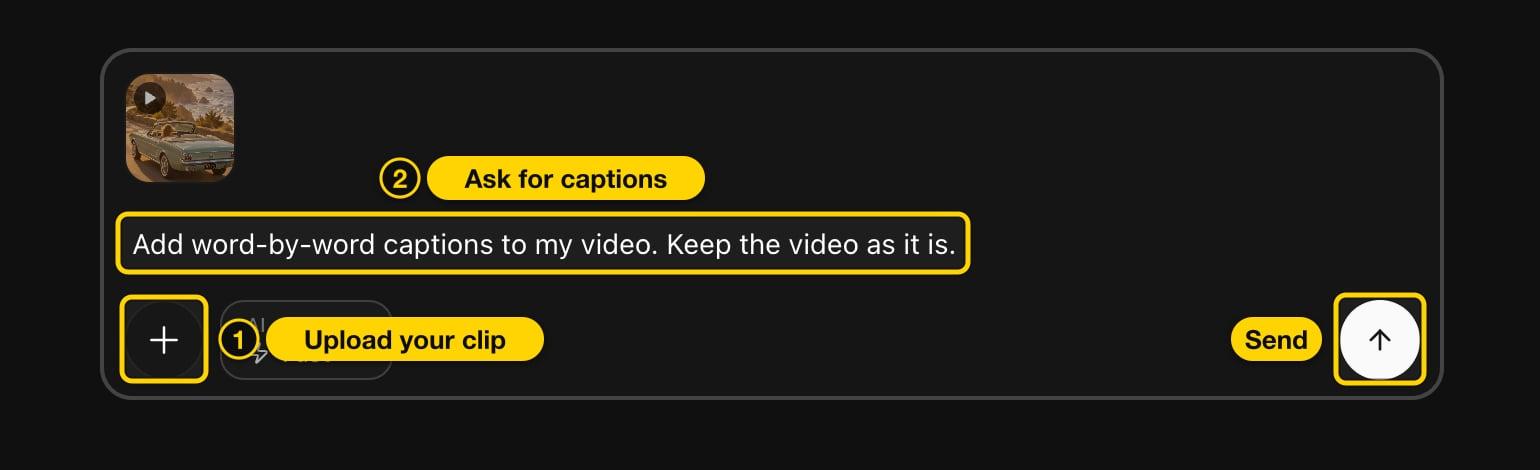
- Open your Cliptalk dashboard, click + and choose Upload from device to add your clip.
- Ask for captions, for example "Add word-by-word captions to my video. Keep the video as it is.", and send.
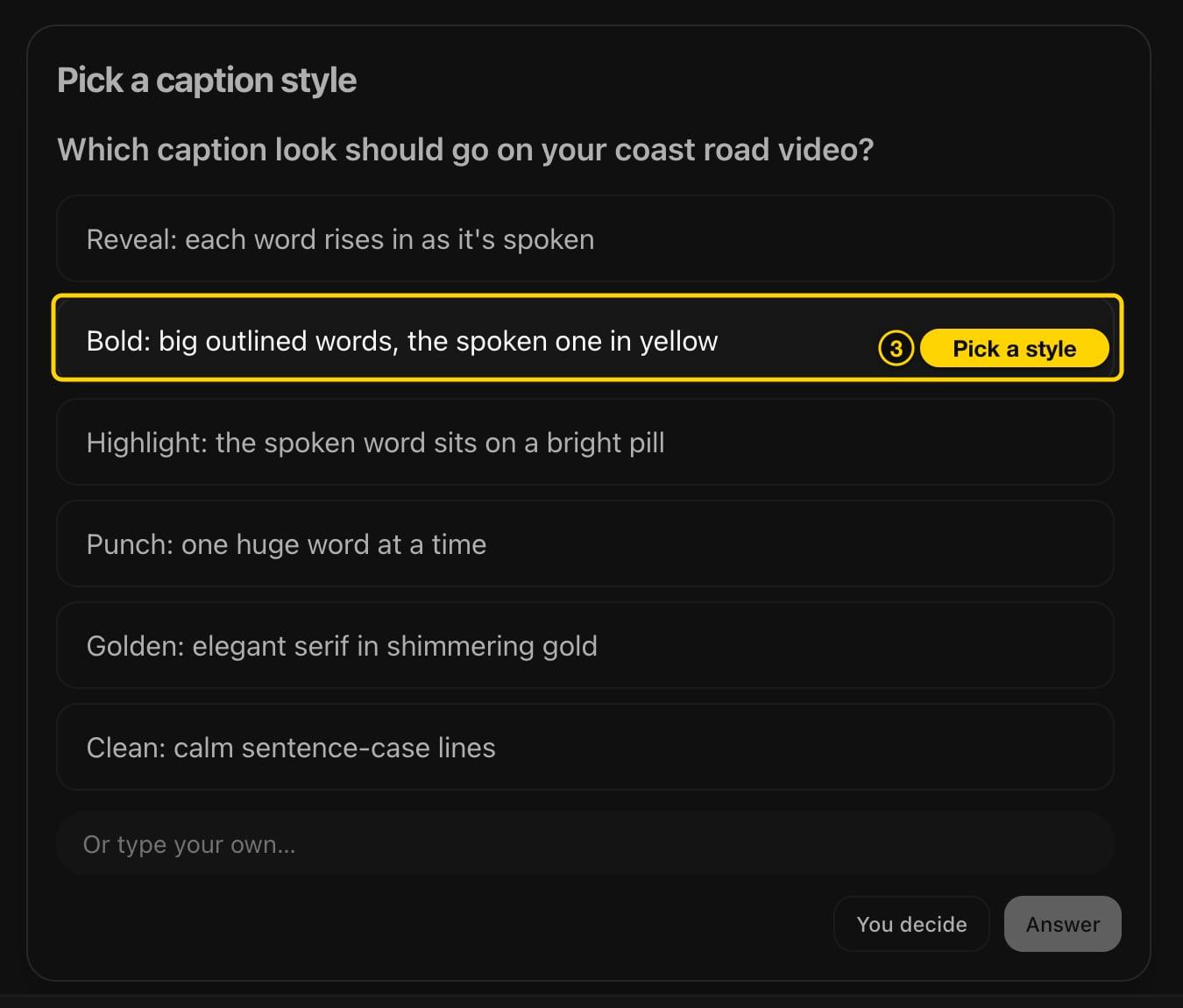
- The agent replies with a plan. Captioning your own clip uses 0 credits. Click the caption style button under the plan, pick a look, then click Create it. You can also just ask for a style by name, like "use the Bold style".
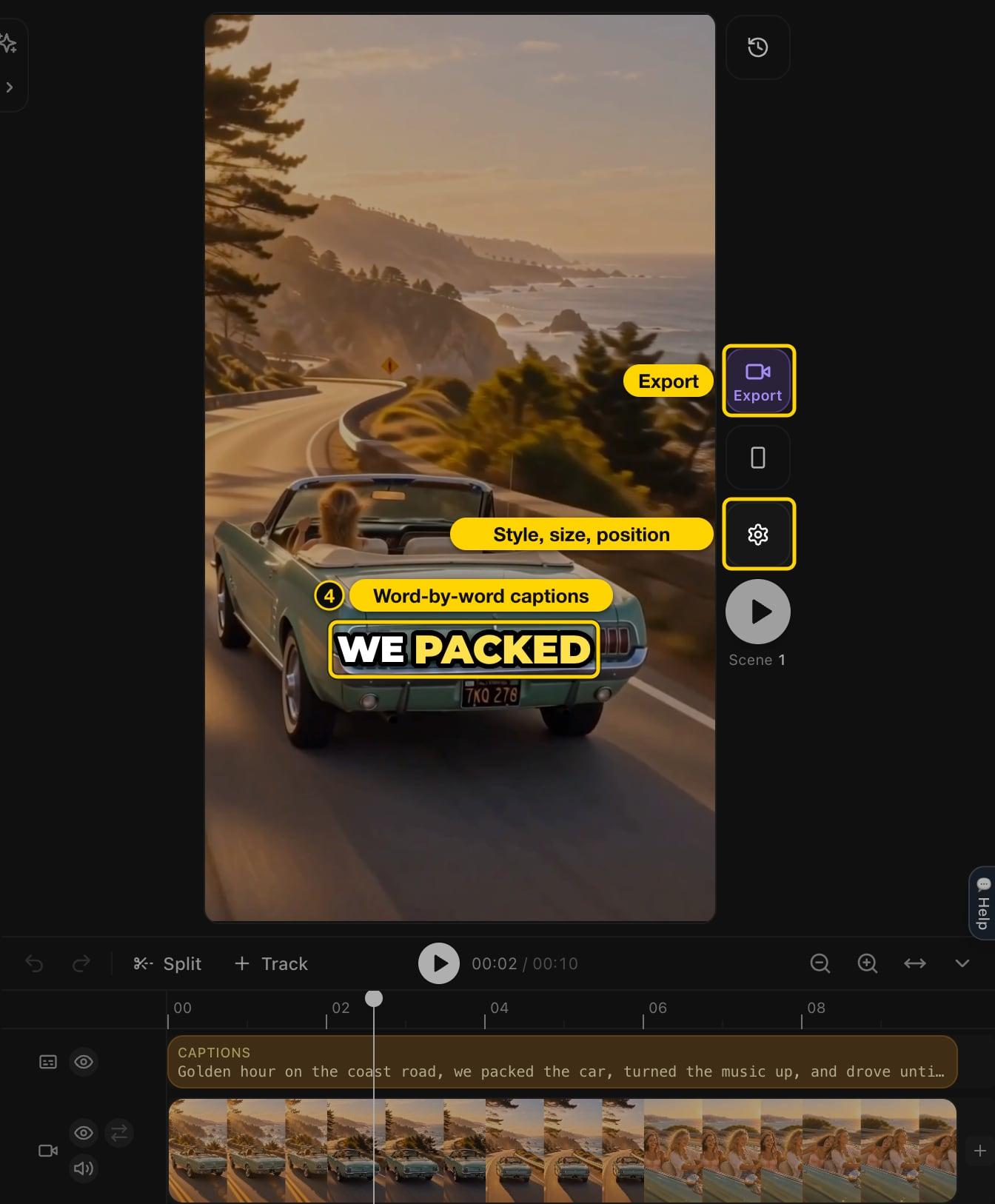
- A short clip is usually done within a minute. The captions follow your voice word by word, and the timeline gets a Captions track. Click the gear to change the style (54 to choose from), size, position, colors or words on screen.
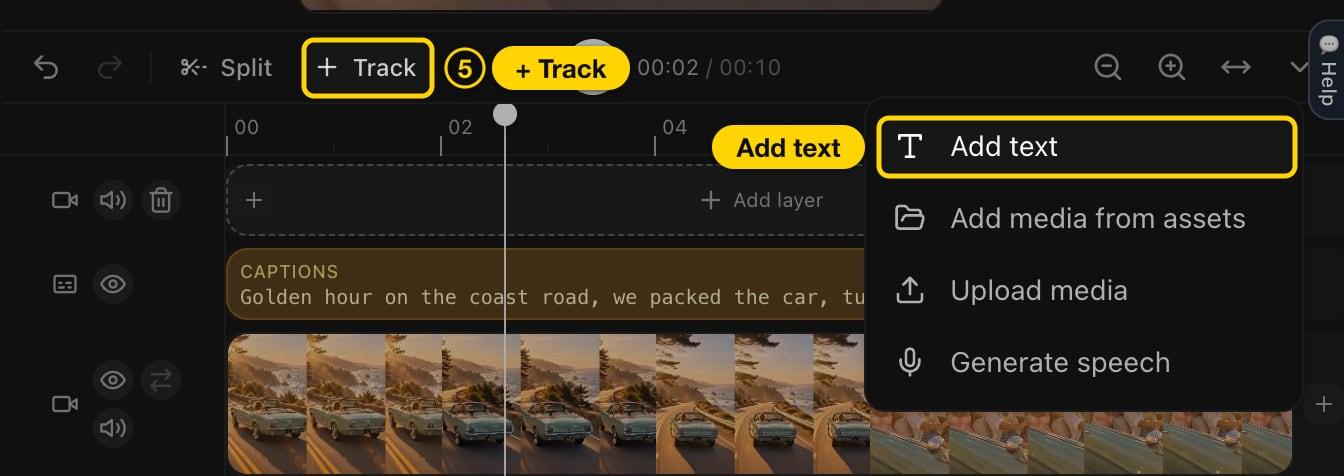
- For text at a specific moment, click + Track, then Add layer and Add text. Click the new text on the preview and use the pencil to type your words.
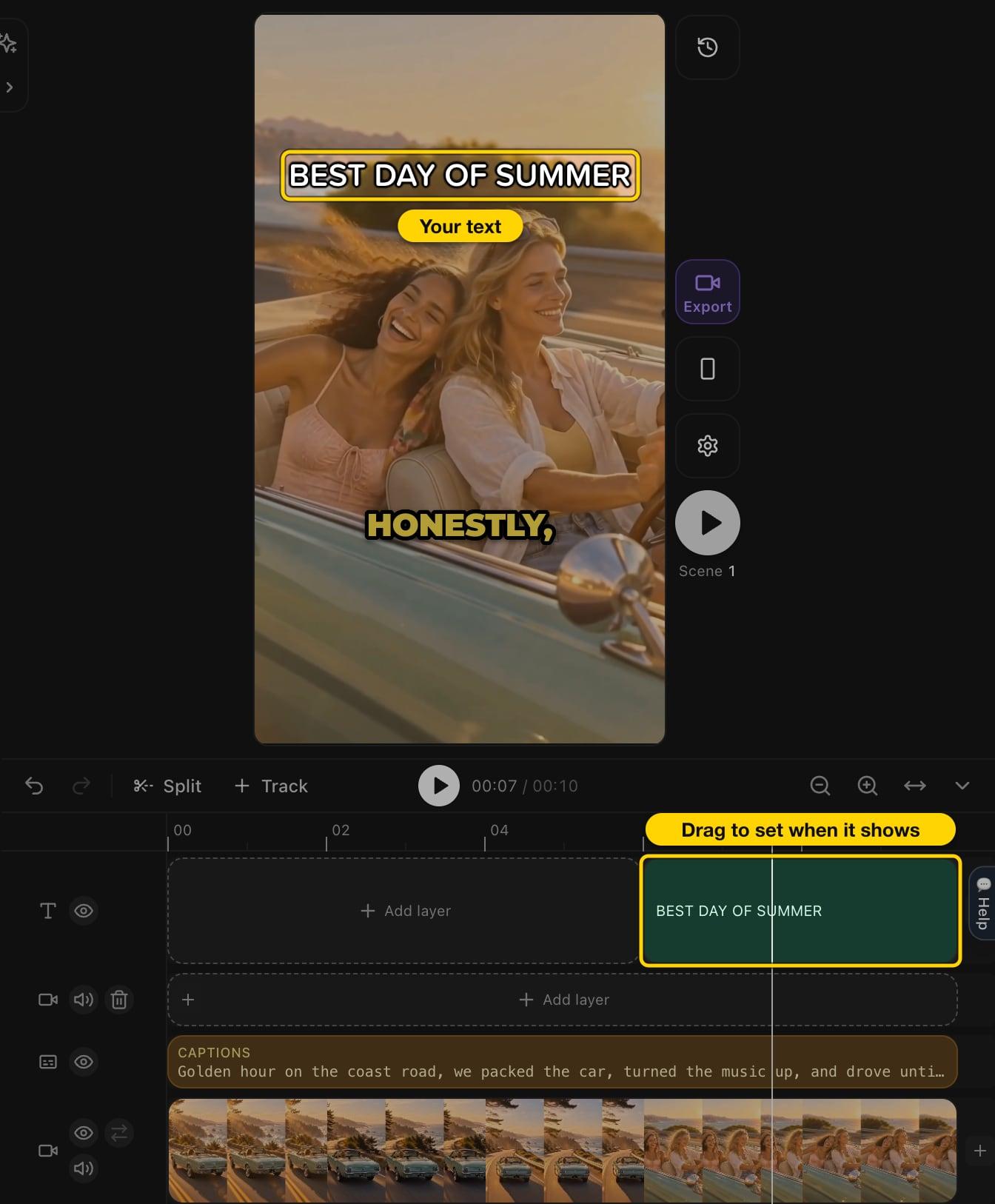
Drag the text clip on the timeline to where it should appear, and drag its edges to set how long it stays.
- Click Export to download a vertical 1080×1920 MP4 for TikTok. Downloading needs a paid plan. On a free account you can build and preview everything first.
Troubleshooting
I can't find the Text tool in TikTok. It's on the editing screen. After recording, or after tapping Next on an upload, tap Edit on the side panel, then Text at the bottom. If you don't see the editing tools, update the TikTok app.
My text is covered by TikTok's buttons. The like and share buttons sit on the right and the description at the bottom. Keep text in the upper middle of the frame.
The text disappears too early. Its bar under the video track is shorter than the clip. Drag its end to the right in TikTok, or clear the To time in Add Text to Video.
FAQ
Can I edit text on a TikTok after posting?
No. Edit post changes the description, hashtags, mentions, location and cover for 7 days after posting, but not text on the video. Edit the original and post it again.
How do I make text appear and disappear at different times on TikTok?
Add each line as its own text, then drag the arrows on either end of each text bar under the video track so they show one after another.
How do I add captions to a TikTok video automatically?
TikTok's editor can transcribe your speech into captions. For styled captions that highlight each word as it's spoken, upload the clip to Cliptalk and ask for word-by-word captions, as shown above.
Do I need an app to add text to a TikTok video?
No. The TikTok app does it on your phone, and the free Add Text to Video tool does it in any browser, on a computer or a phone, with the same timing control.