Which AI Video Generator Free Plans Have No Watermark in 2026?
· 12 min read
Yes. As of this writing, a handful of free plans export clean video with no logo burned into the corner: Microsoft Clipchamp and CapCut both give unlimited 1080p exports with no watermark, and several text-to-video tools (Pixlr, LoreMotion, Upsampler, Free.ai) hand back an unbranded MP4 without even asking you to create an account. The catch is that nearly all of them return a raw 5 second clip or an empty timeline, not something you can post. That is why I run my own short-form output through Cliptalk: the free tier is 50 credits with no card, and what comes back is an assembled video with captions, B-roll, and a voiceover already on it, so there is no second tool between the generation and the upload. Below is what each free plan really gives you, what it takes away instead of a watermark, and how to verify a policy yourself in about five minutes before you build a publishing workflow on top of it.
"No watermark" is actually two different things
The most expensive mistake people make searching this term is treating it as one feature. It is two, and only one of them matters to your audience.
A visible watermark is the semi-transparent logo in the corner, the diagonal "SAMPLE" bar, or the branded lower third stamped onto free exports. This is what you mean when you search for a free AI video generator with no watermark, and it is almost always plan-gated: the free tier brands your file, the paid tier removes it. Runway, Kling, Sora, Pika and InVideo all follow this pattern.
An invisible watermark is a provenance signal you never see. Google's SynthID alters the mathematical structure of the generated content during generation and survives compression, cropping and re-encoding, which makes it very hard to strip without visible quality loss. C2PA metadata writes "AI generated: true" plus the source model into the file header, invisible during playback and trivially removed by a re-export. Most of the big models, especially anything in Google's stack, attach one or both regardless of what you pay.
Practically: you can absolutely get a free export with no visible logo. You mostly cannot get a top-tier model output with zero invisible provenance marking, and for normal publishing that is fine, because nobody watching your Reel can see SynthID.
| Watermark type | What it looks like | Can you remove it? | Tied to your plan? |
|---|---|---|---|
| Visible logo or lower third | Corner logo, branded bar, diagonal text | Yes, by paying or by picking a tool that never adds one | Usually free tier only |
| SynthID | Nothing visible | Very hard, needs quality loss | No, applied on every plan |
| C2PA metadata | Nothing visible, shows in file properties | Yes, lost on re-export | No, but easily lost |
The free plans that export clean in 2026
Here is the honest state of play, based on what these tools publish about their own free tiers and what I have seen come out of them. I have included Cliptalk where it belongs, which is not in the "unlimited free clips" column.
| Tool | Visible watermark on free plan? | What the free tier gives you | Cost to go clean / go further |
|---|---|---|---|
| Microsoft Clipchamp | No | Unlimited 1080p exports, editor rather than generator | Free for the watermark-free export itself |
| CapCut | No on standard exports (some premium templates stamp a logo) | Unlimited 1080p exports up to 15 minutes | Free for standard exports |
| Pixlr | No | HD MP4 from text or image, 16:9 and 9:16, models include Veo, Kling and Seedance | Credit-based beyond the free allowance |
| LoreMotion | No | 720p MP4 clips, no signup for the first video, 9:16 / 16:9 / 1:1 / 4:3 | From about $5 in credits |
| Upsampler (free generator) | No | Short clips from LTX 2.5, LTX 2.3 and Wan 2.2, no account needed | Premium tools sold separately |
| Free.ai | No | 2 to 6 second clips, 9 cinematic presets, commercial use permitted | Token purchase for premium models |
| Cliptalk | Credit-based rather than watermark-gated | 50 credits with no card, plus script and prompt tools that need no signup at all | Paid plans once the credits run out |
| FlexClip | No at 720p | 12 projects total, up to 10 minutes | Paid for 1080p and more projects |
| InVideo AI | Yes | 4 exports per week, 1080p, up to 15 minutes | From $25/mo |
| Runway | Yes | 125 credits per month | From $15/mo |
| Pika | Yes | 150 credits per month | From $8/mo |
| Kling | Yes | 66 credits per month | From roughly $8/mo, with the tier that bundles watermark removal and commercial rights reported nearer $35/mo |
| Sora | Yes | Requires a ChatGPT paid plan to access at all | $20 to $200/mo depending on tier |
Two patterns fall out of that table immediately.
First, the tools with genuinely clean free exports are mostly either editors (Clipchamp, CapCut, FlexClip) or raw model front ends (Pixlr, LoreMotion, Upsampler, Free.ai). The editors give you a timeline and expect you to bring the footage. The model front ends give you a few seconds of motion and expect you to assemble it.
Second, the tools that produce a finished, narrated, captioned video from a prompt are the ones that brand their free exports. InVideo is the clearest example: four exports a week, all watermarked, $25 a month to go clean. That is not a coincidence. Assembling a full video costs a lot more compute than generating a 5 second clip, so those tools protect the output.
Credits instead of a logo: the model I actually prefer
There is a third pricing pattern that gets lost in watermark listicles, and it is the one I have settled on for real publishing.
Instead of branding your export and charging you to remove the brand, a credit-based free tier gives you a limited number of genuinely finished renders. You get fewer videos, but the ones you get are yours: no logo to explain to a client, no re-export trick, no "I will just crop the corner" compromise that leaves your 9:16 frame at an odd aspect ratio.
Cliptalk works this way. The planning half of the product is free and unlimited with no account at all, which is the part people underestimate. I write and re-roll scripts in the browser before I spend a single credit, and only render once the script is right. That is a meaningfully different economics from a 125-credits-per-month generator where every bad prompt burns a generation.
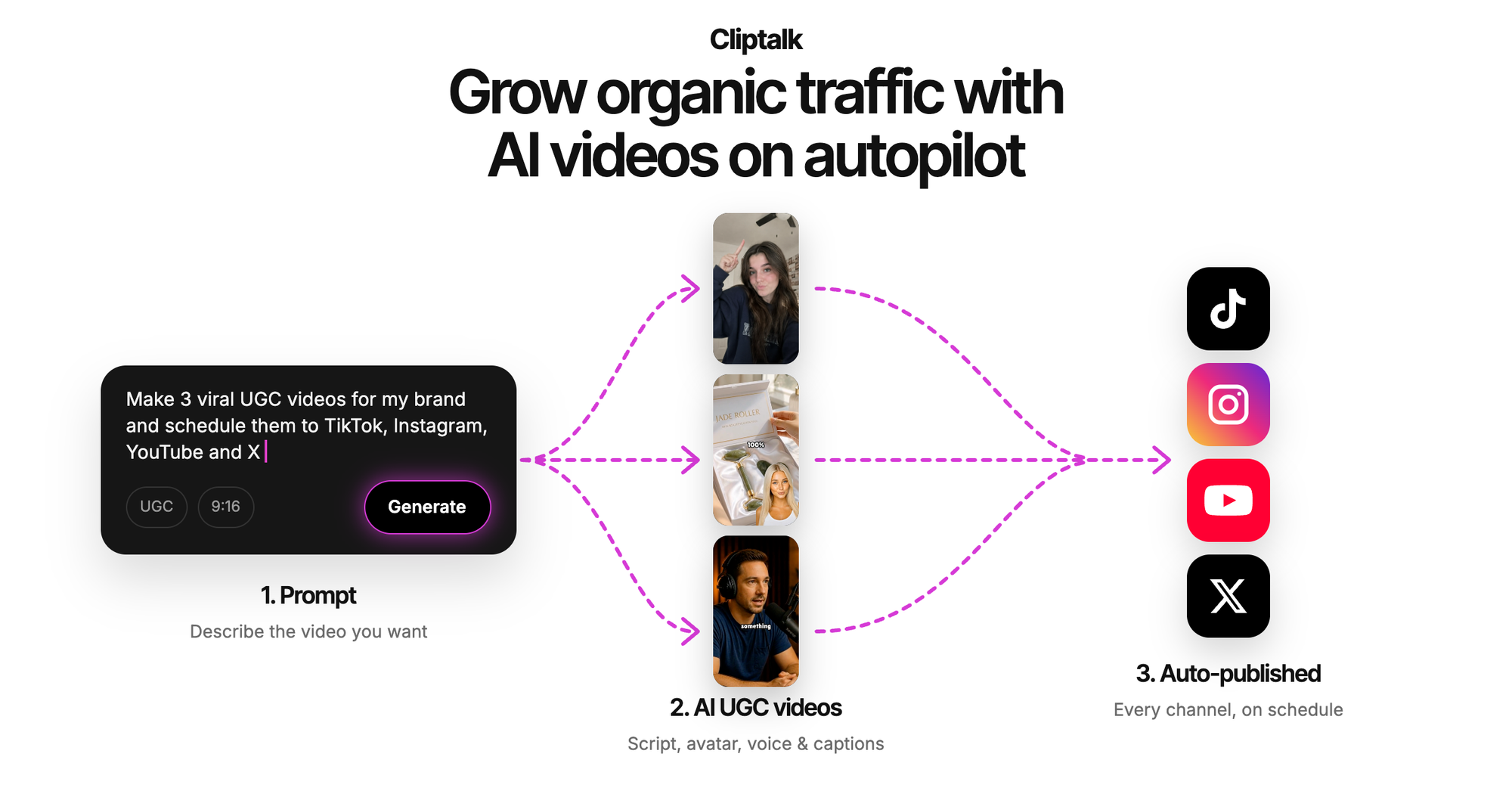
The practical workflow I use: draft the script with the free YouTube script generator, which needs no signup and writes the spoken words hook to CTA, iterate until the hook reads well out loud, then spend credits rendering it once. The 50 free credits go a lot further when you are not paying to fix a weak script.
What free plans take away instead of the watermark
A clean export is one line in a longer bill. When a tool does not charge you with a logo, it usually charges you somewhere else. Here is where to look.
Export volume. FlexClip's free tier is 12 projects total, not 12 per month. A cap on total projects is a very different thing from a monthly reset, and it is easy to miss.
Resolution. FlexClip's clean export is 720p; 1080p is paid. LoreMotion renders at 720p. For TikTok, Reels and Shorts that is usually acceptable, because the platforms compress hard anyway and 1080p is the practical ceiling that matters, but it rules those tools out for anything that will be seen on a TV or a projector.
Clip length. The free text-to-video tools are short by design. Free.ai renders 2 to 6 seconds. Upsampler and LoreMotion are in similar territory. A 45 second Short is eight to fifteen separate generations plus an edit, which is the hidden labour cost nobody puts in the comparison table.
Premium media and voices. Free tiers typically restrict you to a smaller stock library, a limited voice set, and no voice cloning. If your channel has a consistent narrator, that limitation ends the free plan faster than any watermark would.
Commercial rights. This is the one that actually gets people in trouble, and it deserves its own section.
A clean export is not a commercial licence
These are separate permissions and tools bundle them differently. Free.ai states commercial use is permitted on its free output. Kling ties commercial rights to the same paid tier that removes the watermark, so a watermark-free Kling export from a free account is not automatically a licensed one for client work.
If you are making videos for a client, an ad, or a monetised channel, read the terms for both things before you deliver. I have seen people export a clean file, hand it over, and only later discover the licence sat behind the plan they skipped. The watermark was never the real gate.
Clip versus finished video: the question that actually decides your tool
Almost every disappointment I hear about free AI video tools comes from a mismatch between what someone wanted and what the category delivers.
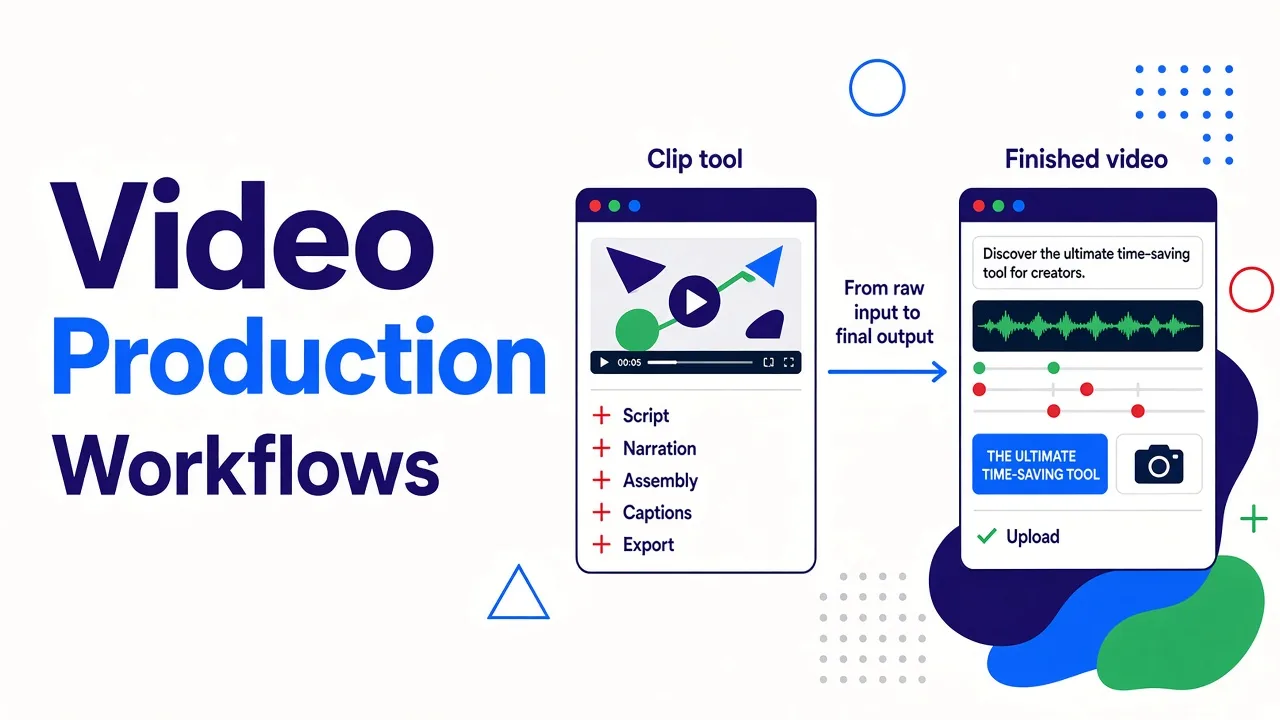
A clip is a few seconds of generated motion. Beautiful, sometimes uncannily good, and completely unfinished. It has no script, no narration, no captions, no pacing, no hook. You get it from Pixlr, Upsampler, LoreMotion, Free.ai, Runway, Kling, Pika.
A finished video is something you can upload. It has a script, a voice reading it, cuts that land on the beat, burned-in captions sized for a phone, and B-roll that changes when the sentence changes. You get it from Cliptalk, InVideo, CapCut's instant-video flow, and a handful of others.
Both are legitimate. But if you are running a faceless channel and posting daily, a watermark-free 5 second clip generator does not shorten your day very much. You still have to write, narrate, assemble, caption and export. The tool saved you the stock footage search and nothing else.
My rule of thumb: if the output unit is a shot, you are buying a clip tool. If the output unit is a video, you are buying a production tool. Decide that first, then argue about watermarks. I go deeper on the shortlist for vertical platforms in the best AI video generator for TikTok and Shorts.
How I test a free plan's watermark policy in five minutes
Published policies drift. Tools change free tiers quietly, and half the "no watermark" listicles online are quoting a policy that changed two quarters ago. So I test rather than trust.
- Generate the shortest, cheapest thing the tool allows. A 5 second clip at the lowest resolution. You are testing the export pipeline, not the model.
- Export and download the actual file. Not the preview in the browser. Previews are frequently clean while the download is branded, and occasionally the reverse.
- Scrub the last two seconds. Some tools append a branded outro card rather than a corner logo. It is easy to miss if you only look at the first frame.
- Check all four corners and the safe areas. On 9:16, a logo can sit under the platform's own UI in preview and still be visible on a different device.
- Open the file properties. If you care about provenance metadata, this is where C2PA shows up. It will not affect your viewers, but if you publish somewhere with AI disclosure rules, you want to know it is there.
- Re-run the test after any plan change. Free tiers are marketing surfaces. They move.
That sequence takes about five minutes per tool and has saved me from at least three workflows I would have regretted.
Vertical format is the other silent filter
A watermark-free 16:9 export is useless to a Shorts channel if the tool cannot produce 9:16 natively. Upscaling or cropping a landscape clip to vertical throws away half the frame and usually decapitates your subject.
Check that the free tier includes vertical, not just the paid one. LoreMotion supports 9:16 natively on the free tier along with 16:9, 1:1 and 4:3. Pixlr offers both 16:9 and 9:16 on its free generations. Some tools reserve aspect ratio choice for paid plans, which is a subtler version of the same gate.
The same applies to captions. Roughly speaking, most short-form is watched muted first, so captions are not optional polish, they are the content. A clean export with no captions is still a job half done, and burning captions in a separate editor costs more time than the generation saved you.
Which one should you use
| Your situation | What I would use | Why |
|---|---|---|
| You want a free, clean 5 second clip to test an idea | LoreMotion, Upsampler or Free.ai | No signup, no watermark, fastest path to seeing whether the concept works |
| You already filmed footage and just need to cut it | Clipchamp or CapCut | Unlimited watermark-free 1080p exports on the free tier |
| You want the best-looking single shot and can pay | Runway or Kling on a paid tier | Free tiers are watermarked; from $15/mo and roughly $8/mo respectively |
| You need a finished, captioned, narrated short from a prompt | Cliptalk | 50 free credits with no card, and the script tools are free and unlimited before you spend any |
| You need a specific photo animated | Pixlr or any image-to-video model | Image-to-video keeps your exact source frame |
| You are delivering for a client | Whatever you use, on a paid tier | Commercial rights and clean exports are separate permissions |
If you want to start free without committing to anything, the fastest honest move is to use the no-signup planning tools first and only spend credits or money once you have a script you believe in. Our free AI video tools page is built exactly for that order of operations.
Frequently asked questions
Is there a completely free AI video generator with no watermark and no signup? Yes, several. LoreMotion, Upsampler's free generator and Free.ai all render short clips with no account and no watermark. The trade is length and resolution: expect 2 to 8 seconds at around 720p.
Does Clipchamp really have unlimited watermark-free exports? On its free tier, it exports 1080p with no watermark and no monthly export cap. It is an editor rather than a generator though, so you bring the footage.
Will CapCut watermark my video? Standard exports on the free plan are clean at 1080p. Certain premium templates and effects add branding, so if you used a template, check the export before posting.
Why do the tools that make complete videos always watermark the free tier? Because assembling a full narrated video costs far more compute than generating a few seconds of motion. Tools that do it either watermark free output (InVideo, four exports a week, $25/mo to go clean) or give you a limited number of clean renders through credits.
Can I just crop the watermark out? On a 9:16 frame you cannot crop a corner without changing the aspect ratio or losing a meaningful part of the composition, and the result looks like what it is. Pick a tool whose free tier exports clean instead.
Are AI videos with no visible watermark still detectable as AI? Often, yes. SynthID and C2PA metadata are applied by many models regardless of plan. Neither is visible to viewers, but neither disappears just because there is no logo in the corner.
Tags: ai video generators, free video tools, video editing, short-form content, watermark-free, faceless channels