7 Best AI UGC Video Generators for Brands in 2026
· 13 min read

Most "best AI UGC video generator" lists in 2026 mix three different kinds of products together, which is why they rarely help you buy. If you need creator-style ad videos built from a product link or an avatar script, HeyGen and CreateUGC are the strongest picks; if you need a steady stream of short-form videos where the script, captions, B-roll, voiceover and character all get assembled in one pass, Cliptalk is the tool I reach for most, because it turns a written script or an article into a finished vertical video with burned-in captions instead of handing you a raw clip to edit.
I have been publishing short-form content for brands and faceless channels for a while now, and I have run the same briefs through most of the tools below. What follows is what actually held up in production, where each one breaks, and who should ignore it.
What counts as a UGC video generator (and what does not)
UGC means user-generated content: the slightly imperfect, handheld, talking-to-camera style that performs natively in TikTok, Reels and Shorts feeds because it does not look like an ad. An AI UGC video generator should produce something that passes for that in-feed. That means a believable presenter or character, a script you control, fast variation so you can test five hooks instead of one, and output that is close to postable.
A lot of tools get lumped into this category unfairly. Synthesia and VEED are excellent products, but they were built for explainers, training video and editing. Pure text-to-video models like Veo, Kling and Seedance make beautiful clips, but a clip is not an ad. The strict test I use: can this tool take a product or a topic and give me a creator-style vertical video that I could upload today without opening a separate editor?
How I evaluated these tools
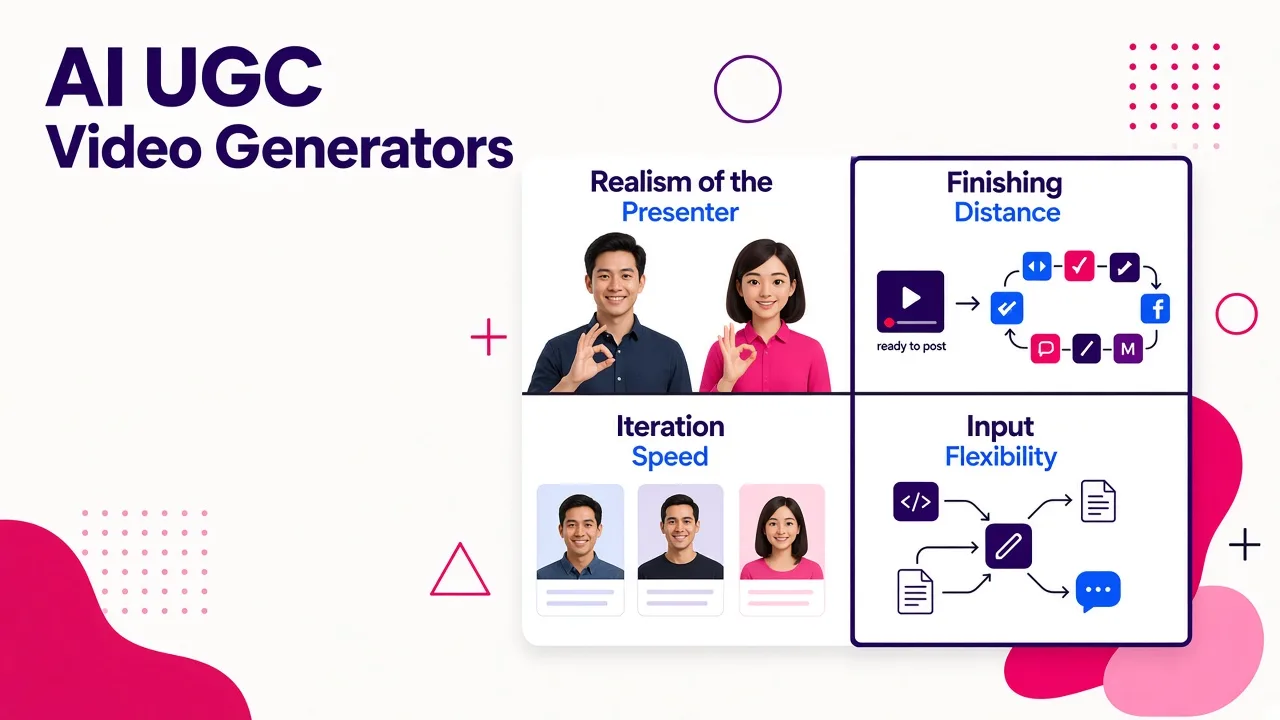
Four criteria, weighted roughly the way they matter in real production:
Realism of the presenter. Flawless, plastic-looking avatars are the fastest way to get scrolled past. The tools that win now are the ones adding skin texture, natural gestures and imperfect delivery, not the ones chasing studio polish.
Finishing distance. How much work is left after the render? Captions, pacing, trim, music, hook text. A tool that saves ten minutes on generation and costs you thirty in CapCut has saved you nothing.
Iteration speed. One prompt almost never produces your best clip. I want three to five variations without rebuilding the project. Volume is the whole point of AI UGC.
Input flexibility. Some tools start from a product URL, some from a script, some from a topic, some from your own footage. This is the single biggest factor in whether a tool fits your workflow, and it is the thing most roundups skip.
I did not test every tool under identical account, region and queue conditions, and credit costs in this category change almost monthly. Verify current pricing before you build a content calendar on any of them.
Quick comparison
| Tool | Best for | Starts from | Finishing distance |
|---|---|---|---|
| Cliptalk | Script or article to finished short-form video at volume | Prompt, script, article | Very short, captions and edit included |
| HeyGen | Avatar depth and localization across markets | Script, avatar choice | Short, some assembly |
| CreateUGC | Ecommerce product ads from a store link | Product URL, images | Very short |
| UGCVideo.ai | Realistic, textured AI spokespeople | Script or product URL | Short |
| Creatify | Product page to TikTok-style ad creative | Product URL | Short |
| Bandy AI | Chat-based iteration on ad creative | Product link, images, chat | Very short |
| InVideo | Script to faceless draft with stock footage | Topic, script | Medium, needs a pass |
1. Cliptalk: best for brands publishing short-form at volume
This is the tool I use for my own channels, and the reason is narrow but important. Most tools in this category answer the question "how do I make one ad?" Cliptalk answers "how do I publish four videos a week without an editor." You give it a prompt, a script, or an article, and it returns a fully assembled vertical video: AI voiceover, B-roll matched to the script, burned-in captions timed to the audio, and an AI character if the format calls for one. Everything lands in a built-in editor, so when the B-roll on line three is wrong, you swap that one clip instead of re-rendering the whole video.
That matters more than it sounds. About 85% of social video is watched on mute, so captions are not optional, and the difference between a tool with accurate, well-timed captions and one with drifting captions is the difference between posting and redoing. Tools that make you export to a captioning app add five to ten minutes per video, which is fatal when you are making five a day.
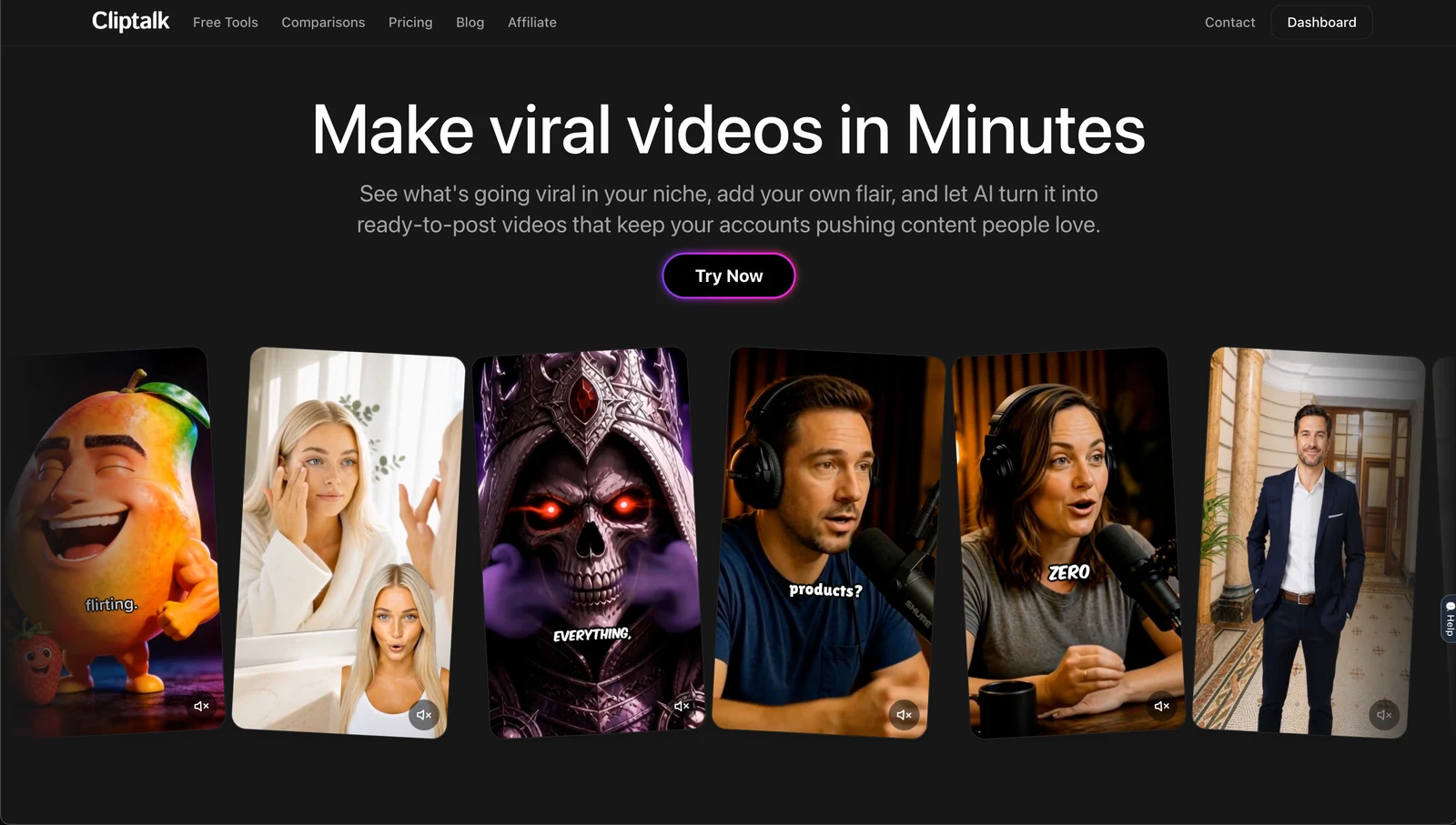
The voice cloning is the other reason it stays in my stack. A consistent narrator voice across a whole channel does more for recognition than any avatar, and cloning yours once means every video sounds like the same person even when you wrote the script at midnight and never opened a mic. You can see the full feature set on cliptalk.pro, and the free script generator is genuinely useful even if you never render anything.
Pros
- Script, voiceover, B-roll, captions and characters in a single pass, not five tools
- Voice cloning keeps a channel sounding consistent across dozens of videos
- Built-in editor means small fixes do not mean full re-renders
- Native vertical output for TikTok, Reels and Shorts
- Works from an article or a rough idea, not just a polished script
Cons
- Not a product-URL-to-ad machine: if you want to paste a Shopify link and get a spokesperson holding your exact product, a dedicated ecommerce tool does that better
- Avatar and character library is smaller than the avatar-first platforms
- It assumes you want narration-led video, so pure cinematic b-roll-only pieces need more prompting
Who it fits: faceless channel operators, content marketers repurposing blog posts, and brands that need a publishing engine rather than a one-off ad. Who should skip it: dropshippers whose entire workflow is product link in, ad out. Plans are laid out on the pricing page and there is a free tier to test before you commit.
2. HeyGen: best avatar library and localization
HeyGen is the heavyweight here and the numbers show it. The platform reports more than 163 million videos generated and over 140 million avatars created, with 1,100-plus UGC avatars spanning age groups, industries and styles, plus support for 175-plus languages and dialects with lip sync. If your problem is "I need a relatable Gen Z presenter for the US, a polished one for Germany, and both saying the same script," nothing else in this list solves it as cleanly.
The workflow is straightforward: pick an avatar, write or generate the script, adjust outfit, background and tone, render. Because avatars are persistent, you can build a brand spokesperson who never renegotiates rates and never ages out of your campaign. Running A/B tests on hooks is trivial when swapping the face costs one click.
Pros
- Largest usable avatar roster in the category by a wide margin
- 175+ languages with accurate lip sync, which makes one script into a global campaign
- Consistent spokesperson across every channel and market
- Strong script and hook generation tools built in
Cons
- Avatar-led output can read as polished rather than authentically handheld, which is the opposite of what UGC is supposed to feel like
- Free tier is thin at three videos per month, so real testing means paying
- Less suited to original cinematic scenes or narration-over-B-roll formats
Who it fits: marketing teams running paid social across multiple markets, and anyone who needs a repeatable on-camera brand face. Who should skip it: creators chasing the messy, unpolished look that performs organically.
3. CreateUGC: best for ecommerce product ads
CreateUGC is the most focused tool here and that focus is its advantage. You paste a product link from Shopify, Amazon or any product page, choose the ad type, pick an avatar, adjust the script, and you get a UGC-style ad in around 60 seconds. Under the hood it routes to current-generation video models including Seedance 2.5, Veo 3 and Kling 3, which is why the motion holds up better than older avatar-only tools.
The feature I did not expect to care about is character swap: take a video you already made and regenerate it with a different face while keeping the script, product and setup identical. That is exactly how creative testing should work, because you isolate one variable instead of rebuilding the whole ad. The company claims UGC ads built this way convert up to 5.7x better, which is a vendor claim rather than an independent one, so treat it as a directional signal and test against your own baseline.
Pros
- Product URL to finished ad in under a minute
- Character swap makes A/B testing the presenter almost free
- Built on strong current video models, so motion and realism are competitive
- 3-day free trial, cancel anytime
Cons
- Narrowly built for ecommerce, so it is a poor fit for educational or entertainment content
- Trial is short: three days is enough to evaluate, not enough to build a library
- Script quality depends heavily on how good your product page copy is
Who it fits: dropshippers, Shopify brands, and agencies producing creative volume for paid social. Who should skip it: anyone whose content is not a product demo.
4. UGCVideo.ai: best for realistic, imperfect spokespeople
This one earns a slot for a single design decision: it deliberately makes its AI people look less perfect. The product includes controls for skin texture, pores, redness, minor blemishes, tired eyes and dark circles, and lets you pick ethnicity and build a diverse roster of presenters. It sounds cosmetic. It is not. The number one giveaway of AI UGC is a face with airbrushed, plastic skin, and audiences have gotten fast at spotting it.
Workflow-wise it covers the expected ground: type a script or paste a product link, choose bust shot or full body, get lip-synced delivery with natural gestures. There is a template and influencer library to start from, and the platform reports 5,000-plus ecommerce brands and agencies using it.
Pros
- Realism controls that directly address the biggest trust problem in AI UGC
- Both script-to-video and URL-to-video paths
- Custom influencer creation from a description or a reference image
- Good template library for people who do not want to start blank
Cons
- Realism sliders still need a human eye: overdo them and you get uncanny rather than authentic
- Centered on talking-head format, so scene variety is limited
- Less mature editing and asset management than the bigger platforms
Who it fits: skincare, supplement, grooming and lifestyle brands where relatability drives conversion. Who should skip it: anyone who wants B-roll-driven or multi-scene storytelling.
5. Creatify: best product-page-to-TikTok pipeline
Creatify sits close to CreateUGC but leans harder into the TikTok ad format specifically. You feed it a store URL and it pulls product details, generates hooks, and assembles creator-style clips shaped for the For You feed rather than for a landing page. It is consistently one of the few tools named in serious UGC roundups rather than general AI video lists, which tells you something about its focus.
Pros
- Purpose-built for product page to short-form ad, with very little setup
- Output is shaped for TikTok pacing rather than generic vertical
- Fast variation generation for hook testing
Cons
- Narrow: it is an ad tool, not a content tool
- You are working inside its templates more than you might like
- Less control over the final edit than a tool with a proper timeline
Who it fits: performance marketers who measure everything in ROAS. Who should skip it: organic creators building an audience rather than buying one.
6. Bandy AI: best conversational iteration
Bandy takes a different interface bet: instead of forms and dropdowns, you talk to it. Upload a product image or paste a link, describe what you want, and it builds previews. When the result is almost right, you ask for changes in plain language: different pacing, different voiceover, another language, more reaction from the avatar. It exports in one click for Shopify, Amazon, Meta and TikTok.
The chat model is genuinely faster for the "this is 80% there" problem that kills most AI video workflows. Instead of hunting for the setting that controls pacing, you say the video feels slow. The tradeoff is precision: when you know exactly what you want, clicking is faster than describing.
Pros
- Iteration by conversation removes most of the learning curve
- Avatars that unbox, demonstrate and react rather than just talk
- One-click export presets for the major commerce and ad platforms
- Free path to create a first video
Cons
- Chat control is imprecise when you need frame-level accuracy
- Output quality varies more between generations than in template-driven tools
- Still primarily ecommerce-shaped
Who it fits: solo founders and small teams who do not want to learn another interface. Who should skip it: teams with strict brand guidelines and a detailed creative brief.
7. InVideo: best for turning a script into a faceless draft
InVideo is the veteran here and it does one job well: you give it a topic or a script and it returns a full draft video with stock footage, voiceover and scene structure. It has a dedicated UGC ads path now, but its real strength remains faceless, narration-led content assembled from a written idea.
The honest caveat is finishing distance. InVideo drafts are drafts. The footage selection is workable but generic, the pacing often needs tightening, and captions usually want a second pass. On a good day that is ten minutes of cleanup. At five videos a day it is an hour you did not plan for.
Pros
- Goes from a one-line topic to a complete structured draft
- Huge stock library so almost any subject has usable footage
- Mature, stable product with a real editor behind it
Cons
- Output needs more manual finishing than newer purpose-built tools
- Stock-driven B-roll can feel interchangeable across videos
- UGC-style realism is weaker than avatar-first competitors
Who it fits: people who write their own scripts and do not mind editing. Who should skip it: anyone optimizing for the fewest possible steps between idea and upload.
Things I learned the hard way
Respect the safe zone. TikTok overlays its interface on roughly the bottom 30% and right 15% of the frame. If your tool centers captions or product shots low, they get buried under the comment button. Check the first export of any new tool against the real app, not the preview.
Aim for 21 to 34 seconds. That range consistently performs best for organic short-form reach. Some generators still default to 60-second outputs tuned for YouTube. Change the default before you build a workflow on it.
The hook is a production decision, not a post-production one. Script-driven tools beat pure text-to-video for UGC precisely because you can specify what happens in the first two seconds. If you are generating from a product image alone, you almost never get a real hook without heavy prompting.
Label AI content where required. TikTok requires disclosure for realistic AI-generated people, scenes and audio including cloned narration, via the AIGC toggle for organic posts and the AI Disclosure tag in Ads Manager. AI-assisted text work like script writing and caption generation is exempt. Labeling has not cost me measurable reach, and getting caught not labeling is worse.
Test the presenter, not just the script. The character swap feature in CreateUGC exists because face is often a bigger conversion variable than copy. If your tool cannot isolate that variable, you are testing blind.
Match the tool to the input you actually have. This is the entire decision. A prompt, a product URL, a finished script, existing footage, and a store page are five different starting points. Picking a tool built for a different input is why most people conclude AI video "does not work."
So which one should you buy?
If you sell physical products and your workflow starts with a store link, CreateUGC or Creatify will get you to a testable ad fastest. If you need one brand face speaking twelve languages, HeyGen has no real competitor. If your ads live or die on the presenter feeling like an actual human, UGCVideo.ai's texture controls are worth the narrower feature set.
If your real problem is publishing volume, turning scripts, ideas and articles into finished vertical videos with captions and voice already baked in, that is the job I use Cliptalk for, and it is the one I would pick if I could only keep a single tool. The same logic applies whether you are running a brand account or a faceless channel, because the bottleneck is never generating one good video. It is generating the twentieth one this month without hating the process.
Start with whichever tool matches the input you already have. Most of these offer a free path in, so run the same brief through two of them before you pay for either.
Tags: ai video generation, ugc content creation, short-form video, ai advertising, video marketing tools