8 Best Free AI TikTok Video Generators in 2026
· 13 min read
Most people searching for a free AI TikTok generator want the same thing: paste an idea or a script, get back a vertical video with captions, voiceover and visuals that is ready to post. If that is you, start with Cliptalk, because it is the only tool on this list that turns a plain text prompt or a pasted article into a fully edited 9:16 video with burned-in captions, AI B-roll and a voiceover in one pass, instead of handing you raw clips you still have to assemble.
The rest of the list matters too, because "free" means something different in every one of these products. I have run all eight of these through real posting schedules, and the pattern is consistent: the tools that generate beautiful five second clips are useless for a daily posting habit, and the tools built for daily posting rarely produce cinematic shots. Below is what each one actually gives you for zero dollars, and where the free plan stops.
How I judged these
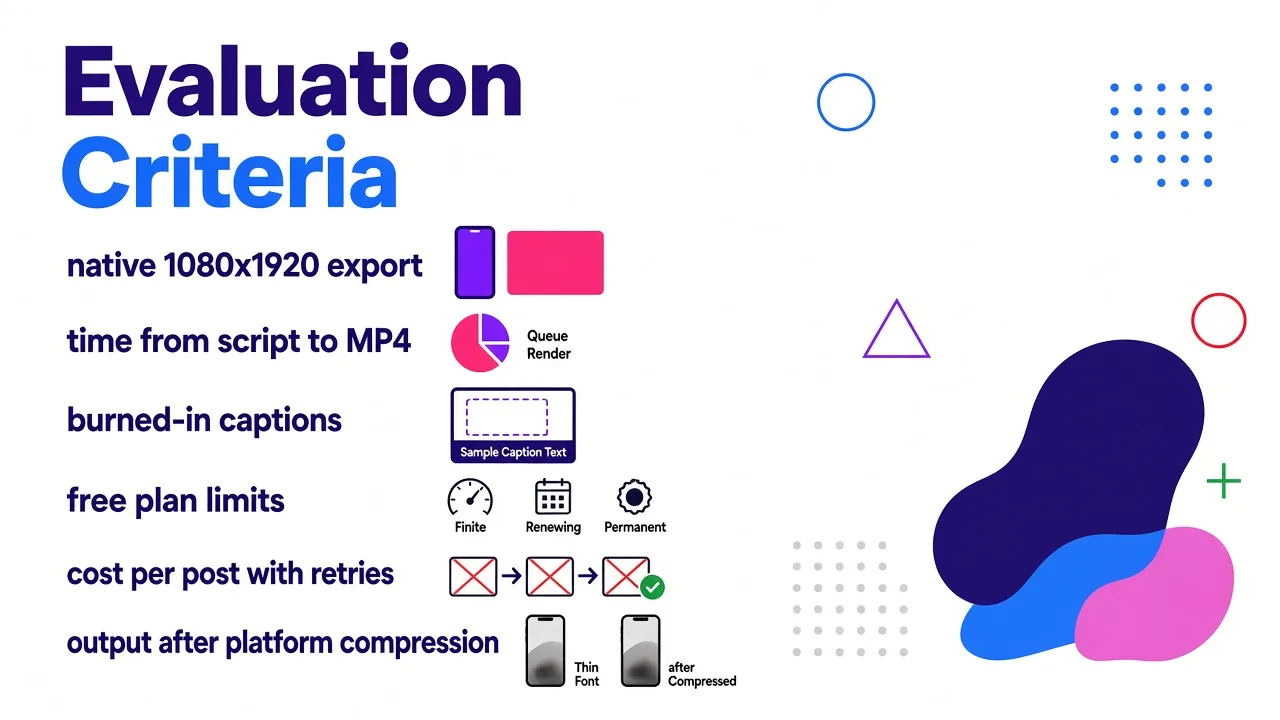
I care about the same six things every time I test a short-form tool, in this order:
- Does it export native 1080x1920? Cropping a 16:9 render down to vertical wastes the time the tool claims to save.
- Time from script to downloadable MP4. Queue time counts. A four minute render behind an eleven minute queue is a fifteen minute render.
- Captions. Burned in, styled, and sitting inside the safe zone, or a second app problem.
- What the free plan really allows. One-time credits, daily credits, watermark, resolution cap, or a genuine ongoing allowance.
- Cost per finished post once retries are counted. Almost nothing lands on attempt one.
- Whether the output holds up after platform compression. Thin fonts and low-contrast captions fall apart on a phone.
Context for why volume beats polish here: TikTok crossed 1.5 billion monthly active users in late 2025, and it rewards completion rate far more than follower count. Accounts posting four or more times a week grow roughly twice as fast as accounts posting once. The best free tool is therefore the one that lets you finish the most postable videos per week, not the one with the prettiest single shot.
Quick comparison
| Tool | Best free use | What the free tier gets you | The catch |
|---|---|---|---|
| Cliptalk | Script or article to finished captioned video | Free script tools with no signup, plus free credits on the video generator | Generation credits run out if you batch aggressively |
| CapCut | Editing and templates | Full editor and 1080p export at no cost | You still have to supply or generate the footage |
| Canva | Social video inside an existing design workflow | Template-driven AI TikTok maker on the free plan | Template look, limited generative range |
| Kling AI | Cinematic vertical B-roll | Daily login credits, 5 to 15 second clips | Peak-time queues, no full-video assembly |
| Pika | Fast effect-led clips | Limited free generations | Short clips, no captions or voiceover pipeline |
| InVideo AI | Prompt to full stock-footage video | Free renders with a watermark | Watermark, and stock-heavy visuals |
| OpusClip | Cutting long footage into clips | Capped monthly processing minutes | Repurposes footage, does not generate it |
| Viggle | Photo to trending dance or meme | Up to 5 free videos per day when signed in | One format family, needs a clear body photo |
1. Cliptalk, best free tool for finished faceless videos
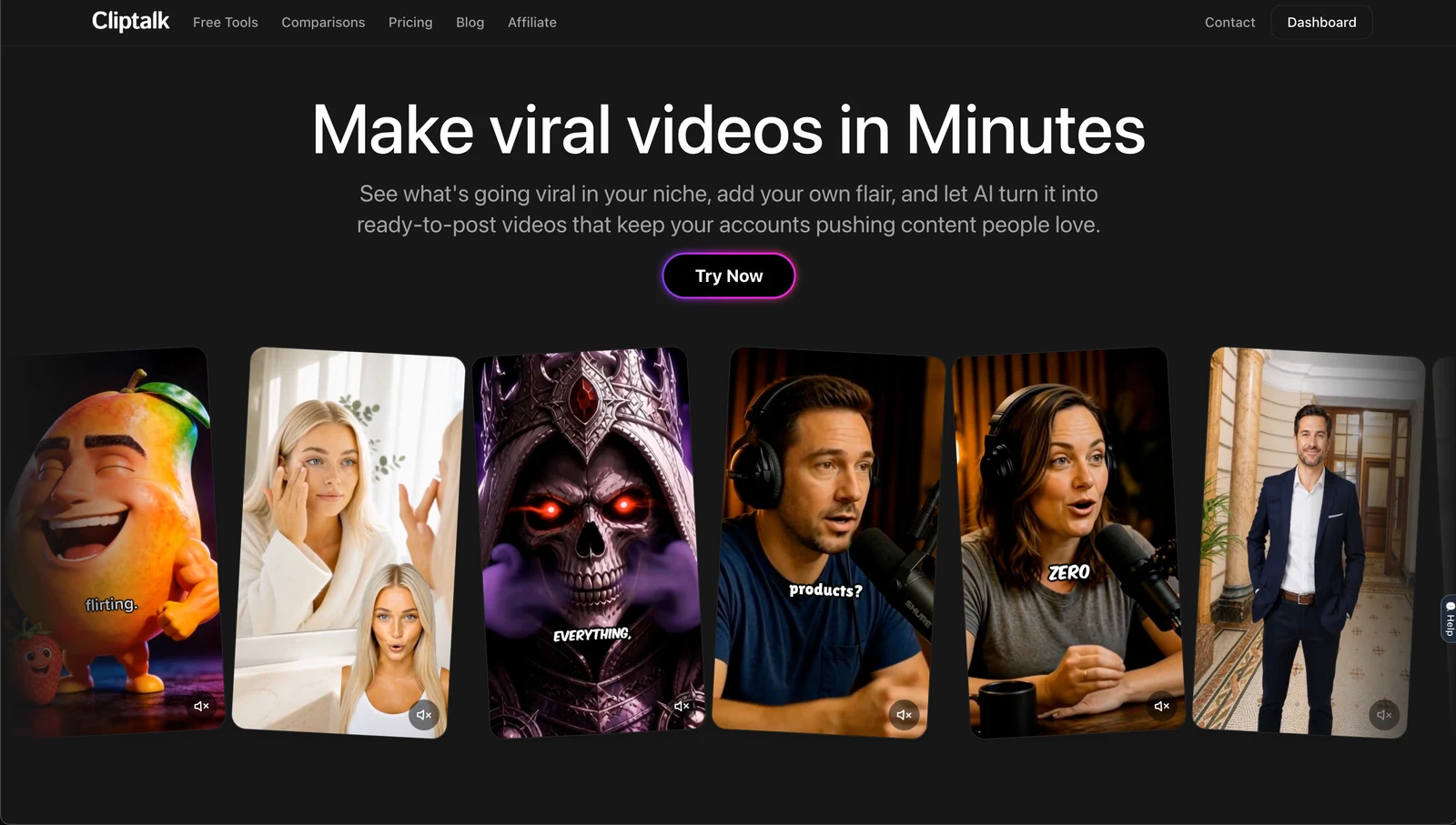
This is the tool I keep open when the job is "publish five videos this week," not "generate one beautiful shot." You give it a prompt, a script you wrote yourself, or the URL of an article, and it returns an edited vertical video: voiceover, word-level captions, B-roll cut to the narration, and optional AI characters if you want a presenter on screen. The part that saves the most time is not the generation, it is the assembly. Every other tool on this list hands you either clips or an editor, and you do the joining.
Two things I lean on constantly. First, voice cloning: recording three minutes of reference audio once means every faceless video afterwards sounds like me, which matters because a consistent voice is what makes a faceless channel feel like a channel instead of a content farm. Second, the editor after generation. The first render is usually 85 percent right, and being able to swap one B-roll shot or retime a caption beats regenerating the whole video and burning credits.
Pros
- Prompt, script or article straight to a captioned, voiced 9:16 video in one pass
- Captions are styled and placed for short-form, so they clear the interface zones without manual nudging
- Voice cloning and AI characters in the same tool, so faceless and presenter formats live in one workflow
- Several free AI video tools run with no signup at all, which is the fastest way to test the script quality before you commit
Cons
- Free credits are finite, so a heavy batching session will hit the ceiling
- It is built for short-form narrative video, not cinematic single shots, so if you want a 10 second hero clip of a dragon over a city, a raw model like Kling will beat it
- AI B-roll and stock selection are strong for explainer and list content, weaker for very niche visual subjects where no good footage exists
Who it fits: faceless channel operators, marketers repurposing blog posts, and anyone posting more than twice a week who is tired of dragging clips onto a timeline. If you need to see what paid limits look like before you invest the time, the plan breakdown is upfront about credits.
2. CapCut, best free editor
CapCut is owned by ByteDance, TikTok's parent company, and the integration shows. The full editor and 1080p export are free, which is genuinely rare, and the template library tracks trending formats week to week. Auto-captions are accurate in my testing, text-to-speech is built in, background removal is one tap, and you can push a finished edit straight to TikTok without leaving the app.
What it is not is a generative video engine. The AI features are lighter than a dedicated model: script-to-video works, but it is assembling templates and stock rather than generating new footage. It also has a long tail of trending effects and some export options gated behind Pro, and the free tier's best assets rotate.
Pros
- Full editor plus 1080p export at zero cost
- Trend templates and native one-click posting to TikTok
- Auto-captions and AI voices included
Cons
- You bring the footage, or you accept template and stock visuals
- Best effects and some exports sit behind Pro
- Manual timeline work still eats the time you were trying to save
Who it fits: creators who film their own footage, or anyone who wants a free finishing app to polish output from a generator.
3. Canva, best if you already live in Canva
Canva's AI TikTok generator is the top organic result for this search for a reason: it is free to start, it is browser-based, and it plugs into brand kits, fonts and assets you already have. For a marketer who needs on-brand vertical video for a product launch and has logos and colours sitting in Canva, this is the shortest path from nothing to something acceptable.
The ceiling is low, though. Output looks template-derived because it is template-derived, and the generative side is shallow compared to a dedicated video model. If your niche is crowded, template-looking video is a real disadvantage on a platform where novelty drives completion rate.
Pros
- Free tier is usable, no install, works on any machine
- Brand consistency without extra setup
- Very forgiving for people with no editing background
Cons
- Recognisable template aesthetic
- Weak generative range versus purpose-built video models
- Not built for volume faceless publishing
Who it fits: small business owners and social managers already producing graphics in Canva.
4. Kling AI, best free cinematic B-roll
When I need a shot that does not exist in any stock library, Kling is where I go. Version 3.0 is among the best available at fluid, believable human motion, it handles text-to-video and image-to-video, and Narrative mode extends clips up to 15 seconds instead of the usual five. The free tier runs on daily login credits, which is a smart model for creators: you cannot batch 40 videos in an afternoon, but you can reliably pull a shot or two a day for free.
Two honest limits. Queues at peak hours are real on the free tier, and the default aesthetic skews realistic rather than stylised. Also, it generates clips, not videos. No captions, no script, no assembly. For reference on scale, standard-mode generation via the official API runs around $0.084 per second, which is cheap per shot but adds up fast when you are producing minutes of content per week.
Pros
- Excellent motion quality and lip-sync, strong at photorealistic humans
- Daily free credits refresh, no one-time cliff
- Native vertical output and image-to-video in the same tool
Cons
- Clips only, no captioning or editing pipeline
- Peak-time queues on free
- Credit burn during iteration is the real cost, not the sticker price
Who it fits: creators who need hero shots and B-roll to drop into an edit elsewhere.
5. Pika, best for fast, effect-driven clips
Pika is the most fun tool here and the least serious. It is built for social from the ground up, effects-forward, extremely fast, and approachable for someone who has never written a prompt. The free tier is limited but enough to learn on, and paid entry is around $8 a month, the cheapest real generator in this comparison.
Realism is not the point, and clip length is short. Pika is a hook machine: the eye-catching first two seconds, the transformation, the visual gag. Treat it as an ingredient.
Pros
- Very fast generations, low friction
- Cheapest paid step-up if you outgrow free
- Effects that read well on a phone screen
Cons
- Short clips, built for short-form over cinematic work
- Realism is not the focus
- No captions, voiceover or assembly
Who it fits: creators who want scroll-stopping openers and visual effects rather than full videos.
6. InVideo AI, best prompt-to-full-video with stock
Type a prompt and InVideo AI returns a complete clip with voiceover and captions, then you refine it by typing follow-up instructions in plain English, which is a genuinely good interaction model. It has also integrated frontier models, so you get access to higher-end generation alongside its stock assembly.
The free tier watermarks your output, which is disqualifying for anything you intend to actually publish, and the visual backbone leans heavily on stock rather than fresh generative footage. Paid entry sits around $20 a month.
Pros
- One prompt to a full voiced, captioned draft
- Conversational editing instead of a timeline
- Access to strong generation models inside the same flow
Cons
- Watermark on free output
- Stock-heavy visuals that repeat across the userbase
- Paid tier is priced above the cheaper generators
Who it fits: people who want a full first draft from one sentence and do not mind paying to remove the watermark.
7. OpusClip, best free way to mine long footage
If you already have podcasts, streams or long YouTube videos, this is the highest-leverage free tool on the list. OpusClip finds the strongest moments, reframes them to vertical, adds animated captions and scores each clip for likely performance. The free plan caps monthly minutes, and the $29 Pro plan gives 300 processing minutes plus auto-posting.
It does not generate anything. No footage, no script, no voice. It is a scalpel, not a camera.
Pros
- Automatic moment detection and vertical reframing
- Animated captions and virality scoring included
- Auto-posting on paid plans
Cons
- Requires existing long-form footage
- Free plan minute cap is tight
- Adds nothing if you are starting from a blank page
Who it fits: podcasters, streamers and long-form YouTubers.
8. Viggle, best free photo-to-trend generator
Viggle does one thing and does it better than anyone: it maps full-body motion onto a single photo. Its JST-1 model generates original character animation with physics awareness rather than applying a 2D filter, and there are over 8,000 motion templates covering viral dances, meme clips and challenge formats. Signed-in users get up to five free videos per day, and each takes under a minute, so you can produce a week of trend content in one sitting.
The narrow scope is the whole point and the whole limitation. It needs a photo with a visible body, and it cannot make an explainer, a product demo or anything script-led beyond its lip-sync feature.
Pros
- Genuinely generous free allowance, five videos a day
- Enormous trending motion library, updated as trends break
- Under a minute per generation, ideal for batching
Cons
- One format family only
- Output quality depends heavily on the source photo
- No B-roll, no narrative video, no long-form structure
Who it fits: meme accounts, character and avatar creators, and anyone riding dance and challenge trends.
Also worth knowing
Runway gives you 125 one-time free credits and the deepest motion and camera controls in the category, with paid entry around $12 a month. It is a filmmaker's tool with a real learning curve, five to ten second clips, and no native audio. Renderforest is a solid free template-and-stock generator with a storyboard review step, useful if you want to approve each scene. HeyGen and Synthesia are the leaders in avatar-at-scale with strong multilingual output, but there is no meaningful free tier, with plans starting near $29 a month. Submagic does one thing, caption styling across 48 languages, and does it beautifully.
The three traps in "free"
Watermarks. A watermarked video is a draft, not a post. Check this before you invest an hour learning a tool. I have written a longer breakdown of which free plans actually export clean because the answer changes often.
One-time credits versus refreshing credits. 125 one-time credits feel generous until you realise iteration eats two or three attempts per usable clip. Daily-refresh models like Kling's login credits and Viggle's five per day are worth far more to a consistent poster than a bigger one-off grant.
Resolution and length caps. Some free tiers export at 720p or cap you at a few seconds. TikTok compression is unkind to soft footage, so 1080x1920 is the floor.
Four TikTok-specific things to check on every render
- Native 1080x1920. Reject anything you have to reframe in a second app.
- Safe zones. Keep key content inside roughly 960x1386 pixels. The top ~130px holds the Following and For You tabs, the bottom ~350px holds the caption and audio disc, and the right ~64px holds the like, comment and share buttons. Most captions I see from AI tools sit too low and get buried.
- Front-loaded hook. Completion rate is the metric that decides distribution, and the average session is around 11 minutes across eight to twelve videos, so you are competing for a scroll decision in the first second.
- AI labelling. TikTok now reads C2PA metadata and labels AI content whether you disclose it or not. Label it yourself. It costs you nothing and detected-but-undisclosed content is the version that gets penalised.
The free workflow I would actually run
If I had zero budget and needed to post five times a week, here is the stack: write the script in a free no-signup script generator, generate the full captioned video with voiceover in one pass, pull one or two cinematic hero shots a day from Kling's refreshing free credits, use Viggle's five free daily renders for any trend-jacking, and finish everything in CapCut if a shot needs replacing. That gets you a real publishing cadence without paying anything, and it teaches you within two weeks which single tool is worth your first subscription.
The honest summary: if your content is narrative, faceless or repurposed from writing you already have, a one-pass script-to-video tool wins, and Cliptalk is where I start. If your content is visual spectacle, use a raw model and assemble elsewhere. If you already film, you do not need a generator at all, you need a free editor. Pick by the job, not the demo reel.
Tags: ai video generator, tiktok tools, short-form video, faceless content, video creation, free tools