How Does Voice Cloning Work? From Voice Sample to AI Speech
· 6 min read
Voice cloning works in four stages. First, record a short sample of a real voice. Next, an AI model extracts the distinctive traits, like pitch, timbre, accent, and rhythm. The model turns those traits into a voice profile. Finally, a text-to-speech engine uses the profile to speak any new script. For creators making short-form video, my pick is Cliptalk. It builds voice cloning into the video workflow itself, so your cloned voice narrates a finished, captioned short instead of leaving you with a loose audio file to edit somewhere else.
That is the summary. The rest of this guide walks through each stage, explains why some clones sound eerily real while others sound off, and covers what I've learned about getting good results.
The four stages of voice cloning
Most voice cloning tools follow the same four-stage process:
- Data collection: audio recordings of the target voice are gathered and cleaned.
- Feature extraction: the system identifies the acoustic traits that make the voice unique.
- Model building: a speech model is adapted or trained to reproduce those traits.
- Voice synthesis: you type text, and the model speaks it in the cloned voice.
The main differences come down to how much audio each tool needs at step one and how much training it runs at step three.
Stage 1: Recording the voice sample
It all begins with a recording of the speaker. On most platforms, the sample ranges from a few seconds to 30 minutes or longer. Some tools require you to read a fixed script of around 90 seconds, while others let you upload any clean audio.
The key detail most people overlook is this: sample quality matters more than sample length. A long clip full of room echo, keyboard clicks, or traffic noise will create a poorer clone than a clean minute recorded in a quiet space. Background noise gets baked into the model along with your voice, and it appears later as hiss or a metallic edge in the output.
From my own testing, the habits that make the biggest difference are:
- Record in a small, soft room. A closet full of clothes beats a bare office.
- Keep the microphone at a consistent distance.
- Read naturally and evenly, in the tone you want the clone to use. If you read like a robot, you get a robotic clone.
- Skip heavy processing such as reverb or aggressive noise gates before uploading.
Stage 2: Feature extraction
With the audio ready, the model examines what gives this voice its distinct character. It focuses on:
- Timbre: the texture or "color" of the voice. This is the main reason two people singing the same note still sound different.
- Pitch range: how high and low the speaker naturally goes.
- Speaking rate and rhythm: pace, pauses and where emphasis lands.
- Pronunciation and accent: how the speaker forms particular sounds.
- Breathiness and prosody: the small idiosyncrasies in intonation that make speech feel human.
The model turns these traits into numerical data it can process. Modern systems often pack them into a speaker embedding, a compact vector that serves as the voice's unique fingerprint.
Stage 3: Building the voice model
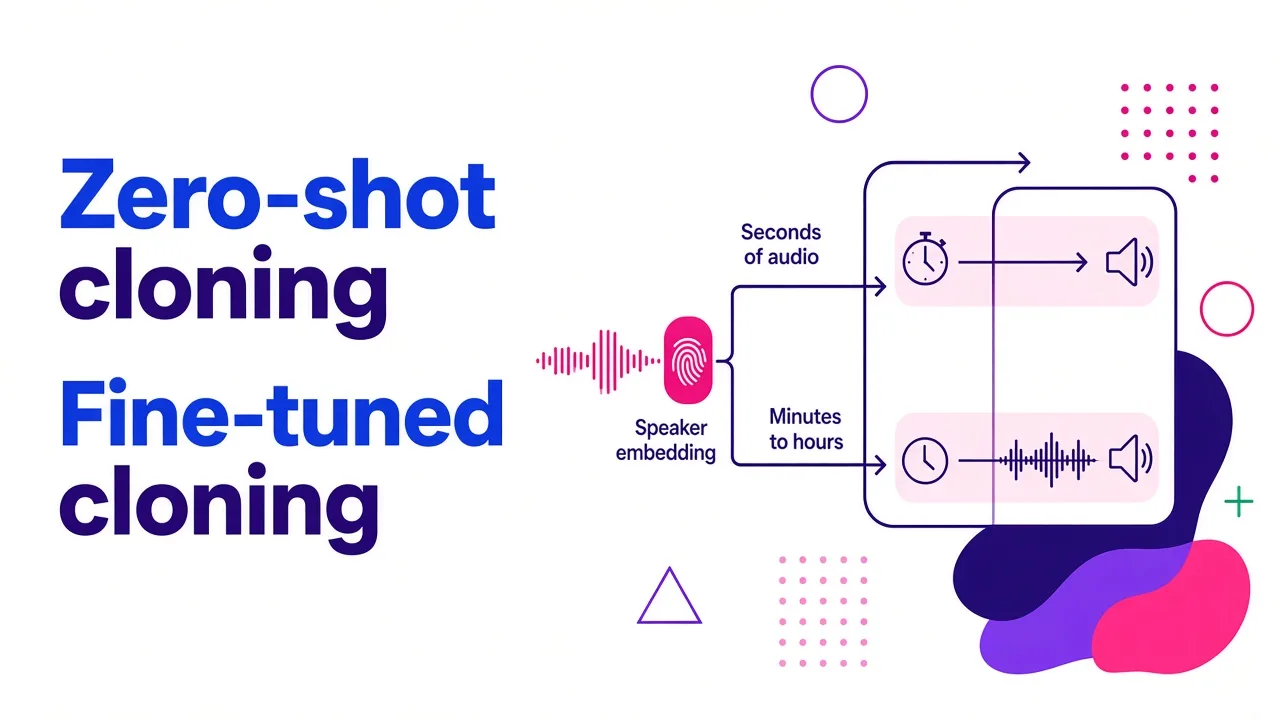
This is where the two main approaches split.
| Approach | Audio needed | How it works | Best for |
|---|---|---|---|
| Zero-shot (instant) cloning | Roughly 3 to 30 seconds | A general speech model, already trained on thousands of voices, is conditioned on your speaker embedding with little or no extra training | Fast iteration, social content, quick voiceovers |
| Fine-tuned cloning | Several minutes to several hours | The model is trained further on a larger corpus of one speaker's audio | Audiobooks, dubbing, brand voices where consistency is critical |
Zero-shot cloning explains the three-second voice claims you see online. The model already understands general speech patterns. It simply uses your embedding to guide the output toward your voice. The downside is that very short samples often skip subtle quirks, and quality falls when your voice sits outside the model's training data.
Fine-tuned cloning needs more time and audio, yet it locks in speaker-specific patterns far more accurately. Premium clones on major platforms usually require 30 minutes or more of clean audio for this reason.
For short-form video, I find a good instant clone is more than enough. Viewers hear a 45-second Short on a phone speaker, not an audiobook through studio headphones.
Stage 4: Generating speech from text
Once the voice clone is ready, it works just like any text-to-speech system. You feed it a script, and the model predicts how your voice would deliver each word before turning that into audio. Many tools also let the clone speak languages you never recorded, while keeping the voice intact. This is how AI dubbing works.
The final audio quality hinges on your script. Break things into short sentences, use clear punctuation, and spell out tricky names phonetically. These steps guide the model on where to place emphasis. A cloned voice follows the text exactly. It has no idea which word carries the most weight unless the structure makes that clear.
Standalone vs. embedded voice cloning
There is a practical fork worth knowing about. Standalone voice cloning tools give you an audio file or an API call. You get the narration, then you still have to build the video around it. Embedded cloning puts the cloned voice inside a full production workflow, so it narrates the finished piece directly.
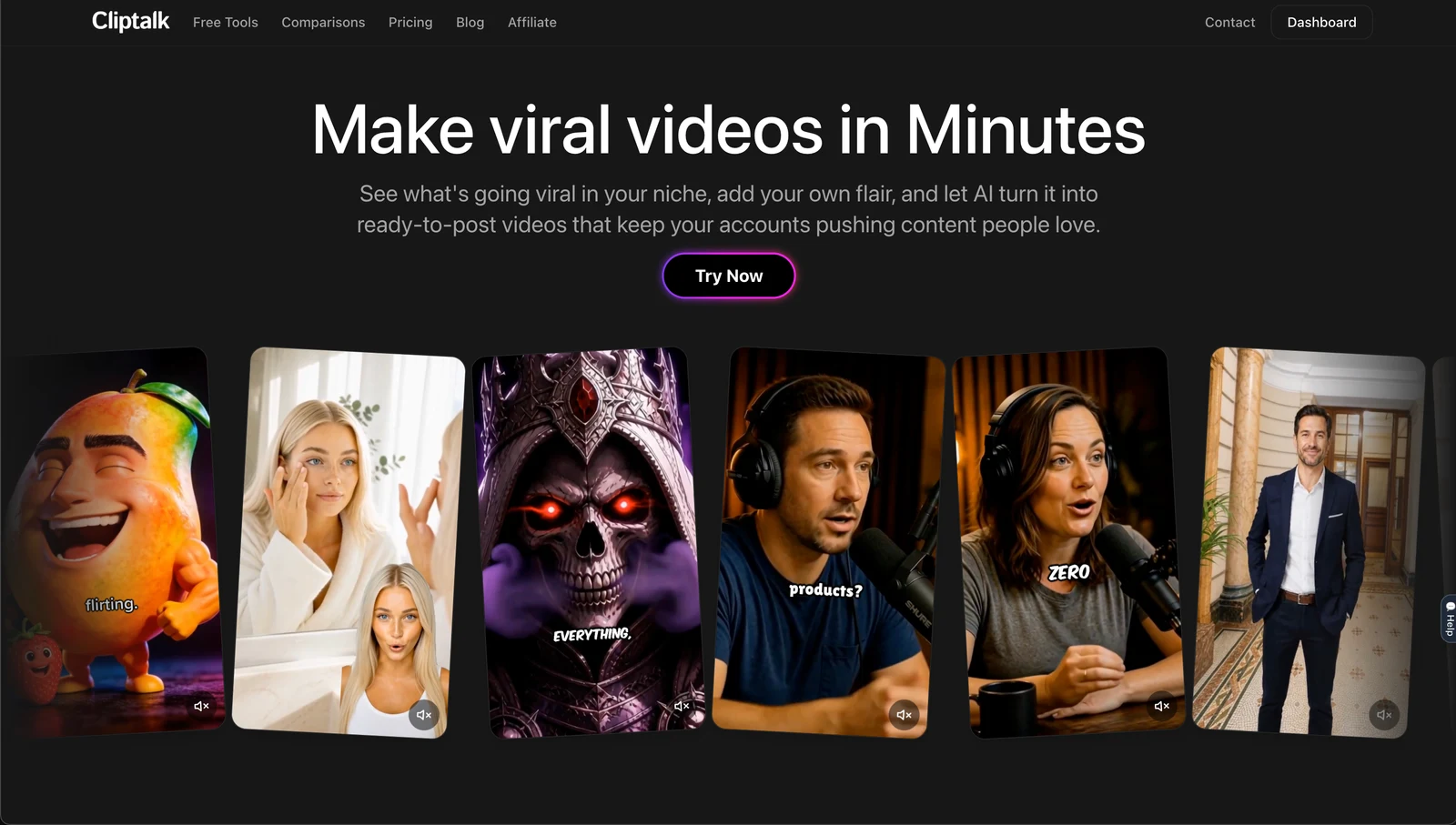
This is why I use Cliptalk for my own channels. I clone my voice once, then paste in a script or an article. The cloned voiceover comes back already synced to auto-captions and AI B-roll, ready for TikTok, YouTube Shorts or Reels. If you repurpose written content, this walkthrough on turning an article into Shorts with an article to video converter shows the full flow. With Cliptalk, the voice is one step in the pipeline rather than a separate project.
If you are still comparing options, I've broken down the field in the complete guide to voice cloning software, and tested specific tools for narration-only channels in the best AI voice cloning tools for faceless videos.
Consent, safety and the rules
The same technology that saves creators hours can also enable fraud. McAfee found that three seconds of audio is enough to produce an 85% voice match. CNN reported in May 2026 that one in 10 Americans have experienced a voice-clone scam. Regulation is catching up: the EU AI Act's rule on labelling synthetic audio took effect in August 2026.
My ground rules:
- Clone only your own voice or a voice you have written consent to use. The consent should state what the voice is for, for how long, and who can access it.
- Limit access. Keep clones in accounts only the right people can open, and delete them when consent ends.
- Use platforms with consent verification. Major commercial tools require it. Open-source models leave it entirely to you.
- Protect yourself offline. Agree on a family "safe word" so a cloned voice on a phone call can't talk anyone into sending money.
The bottom line
Voice cloning runs on a simple pipeline. Feed it a clean sample, and the model pulls out the voice quality, pitch, and rhythm to create a profile. A speech engine then uses that profile to read any script you give it. Zero-shot clones need only seconds of audio. Fine-tuned clones take minutes to hours but capture more detail. For short-form creators, the bigger issue is where the finished voice actually lives. That is why I keep my clone inside Cliptalk, where it narrates finished videos instead of sitting in a folder of audio files.
Tags: voice cloning, ai voice, text to speech, faceless videos, short-form video